Tag: photography apps

  • AppsApril#13 Tilt Shift

    AppsApril#13 Tilt Shift

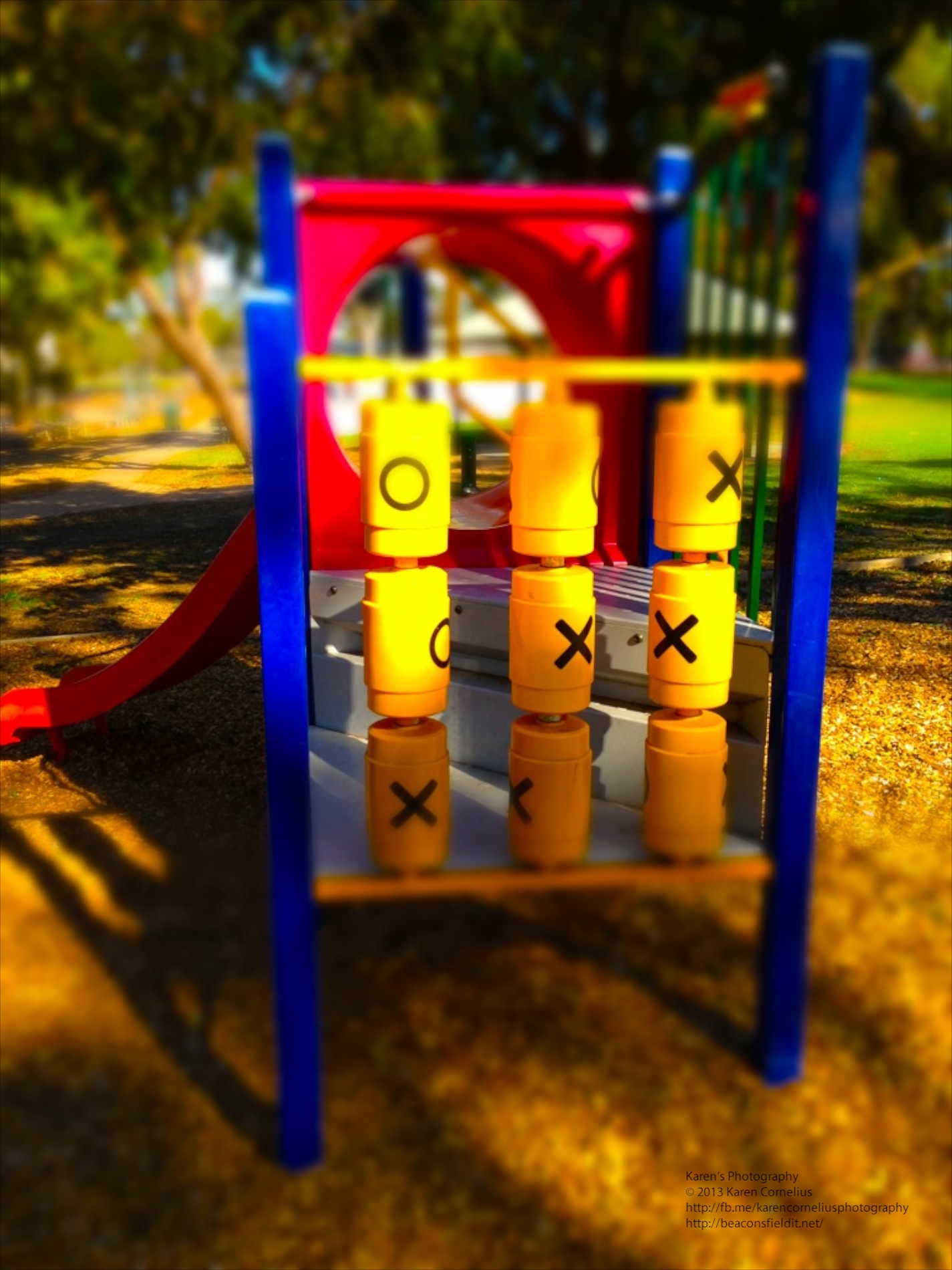
    Tilt Shift is an interesting little app.  Surprisingly simple, the opening screen offers 2 choices take a photo or select one from your camera roll/Album. The ‘Album’ button takes one to the Camera Roll – where tilt shift effects can be applied to any photo you have already taken. Edited or newly shot photos go into the camera roll. The camera button takes one to this screen … IMG_0977   Instructions at the ready – I like that in a new app, easy to navigate! There are 2 tilt shift effects, radial and linear. Linear examples from the local skate park … And radial, same location … The difference in effect is easier to see when you look at these 2 self portraits …   The app also provides editing options: – Vignette – Blur strength (example …) IMG_0971   – Saturation -Contrast – Brightness My images were ‘as they came’ so the default settings are quite bright and light! I have wanted to play with a tilt shift lens or lend baby on my DSLR, so this little app is fun to explore.  Not sure its a top of the pops one really though?? That’s it for this review, enjoy Tilt Shift, and hopefully I will see you tomorrow! Thanks for coming over!!          
  • AppsApril#12 Photocat

    AppsApril#12 Photocat

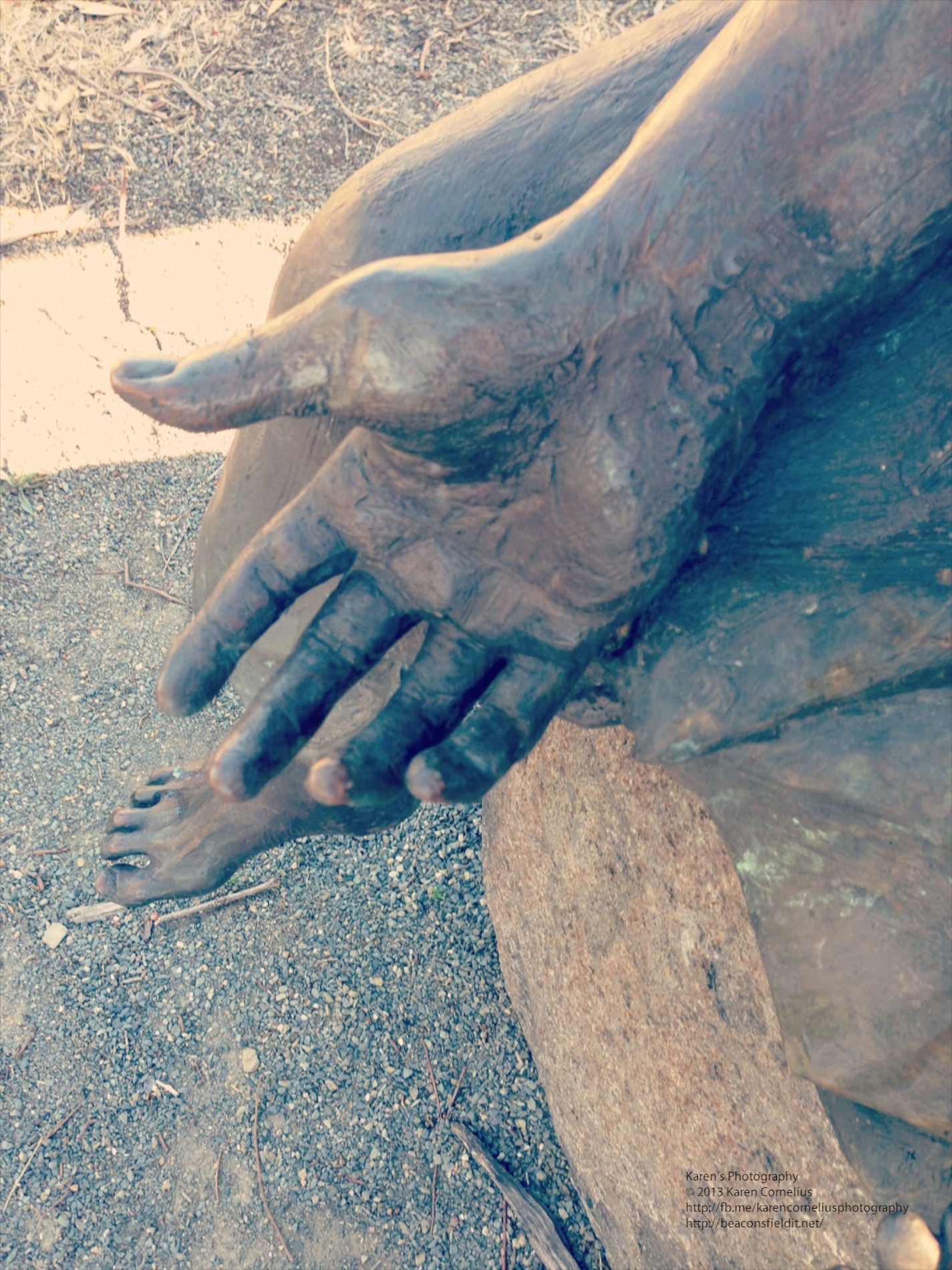
    Photocat is a funky looking new photography app. Home screen is cute, easy to use and easy to see in bright sunlight … IMG_0979   The ‘edit’ button allows one to pick up previous images from the camera roll and other collections. The ‘collage’ button allows up to 9 images from the camera roll (+) to be selected and collaged. The FX camera has 10 filters to add to images snapped.  My examples from Colebrook Park (memorial to Aboriginal children taken from their families and homes up until the late 1970s) … A range of filters were applied and I am impressed by the quality.  One can set ‘high resolution’ in the settings section – a good idea before one goes shooting. I love Instagram and its extras – the only thing Photocat doesn’t have (all in one app, rather than 4!!) is the ability to post to Instagram.  Mind you, FaceBook, Twitter and flickr can all be enabled (settings area again). An ‘element store’ button enable the purchase of classic frames, fantast frames, collage frames, collage backgrounds and effects.  With these installed one would find Photocat rivals the Instagram family! Overall – love this one, another keeper!! That’s it for this review, enjoy Photocat and hopefully I will see you tomorrow! Thanks for coming over!!  
  • AppsApril#11 LUMO

    AppsApril#11 LUMO

    LUMO is designed by 99centbrains with the intention of enabling the photographer to add brilliant bursts of colour to one’s photos. The home screen opens up to a choice of 3 cameras. IMG_0976   It also has an instruction overlay that is somewhat hard to remove … IMG_0977   Once you have selected a camera, you can choose between adding the effect to an existing photo or taking your own.  For the purposes of this review, I took my own shots, but I suspect it might be more funt o play with adding some excitement to the shots in your camera roll. Camera one produces images that look like this … Camera 2 adds an odd light flare to the bottom right … IMG_0941   And my favourite, Camera 3 produces some strange effects … Bit Holga-ish I thought. Well, that’s it for LUMO. Hope you enjoy it and look forward to seeing you in the next instalment! Thanks for coming over – why not leave a comment down below and register for Blog updates??          
  • AppsApril#9 Wood Camera

    AppsApril#9 Wood Camera

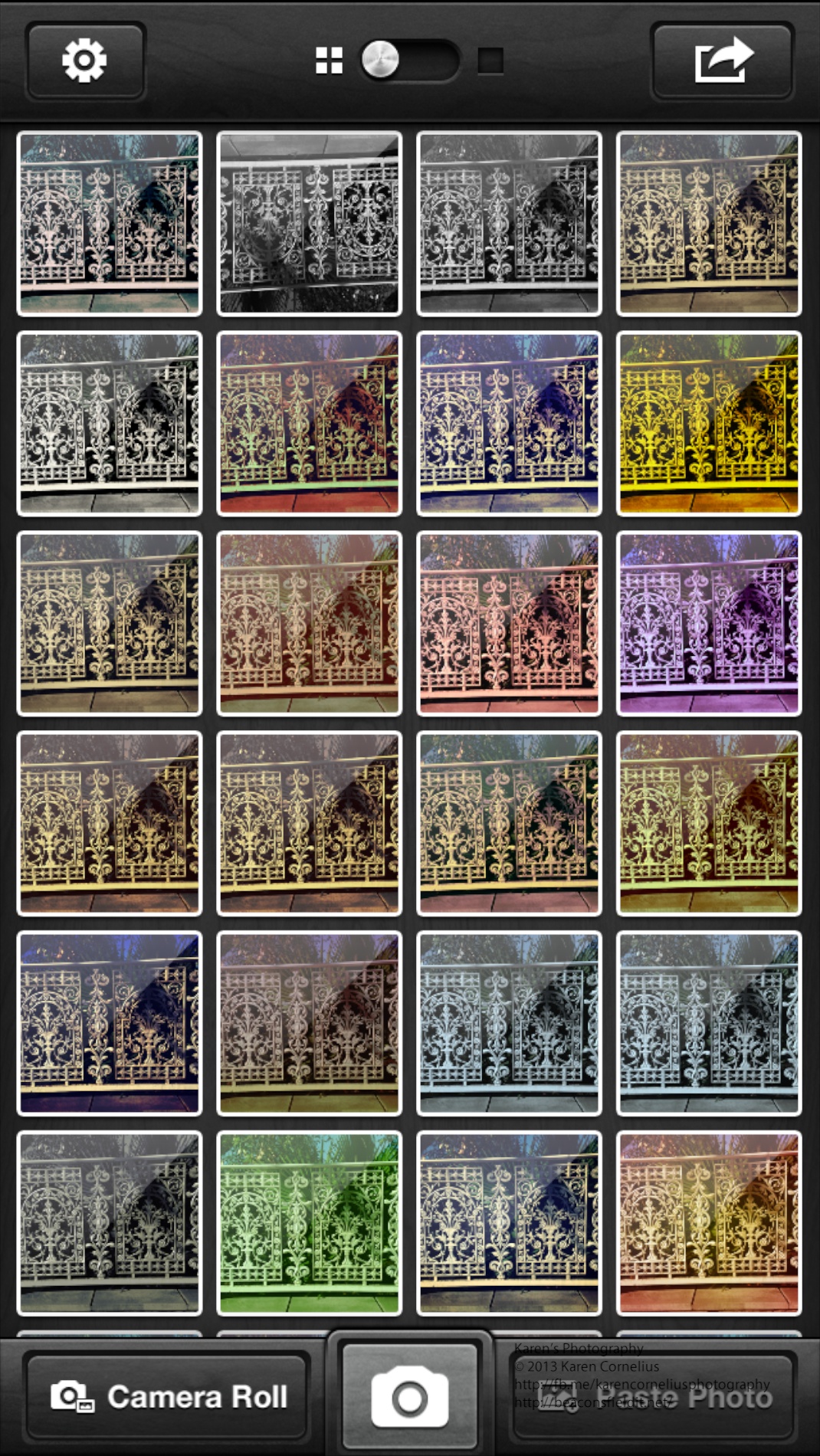
    Wood Camera is an odd name for a photography app. Made by Bright Mango (that’s a more appealing name I think!) Anyway this is a simple app, with lots of filters (25++) and subtle changes in effect.  Here are a set of images showing the variations in colours that are possible. Frankly I think these effects can be achieved more effectively and flexibly in other apps reviewed to date – Luminance and CameraFX are just 2 that offer more options and sliders for adjusting effects. The gallery screen is pretty when one systematically loads up a photo with every possible filter used … The Share button only works with single images … mmmm.  That means each image has to be individually shared. There are also options to email, Twitter, Facebook, Flickr, Instagram and DropBox the image. Geotagging is available in the Settings button. If you’re going to use this camera app go straight to the Settings button and turn on ‘Save to Camera Roll’ to save yourself the laborious task of individually saving them there! That’s it for this edition.  Enjoy Wood Camera and hopefully I will see you next time! Thanks for stopping by!          
  • AppsApril#6 Shake-it-Photo

    AppsApril#6 Shake-it-Photo

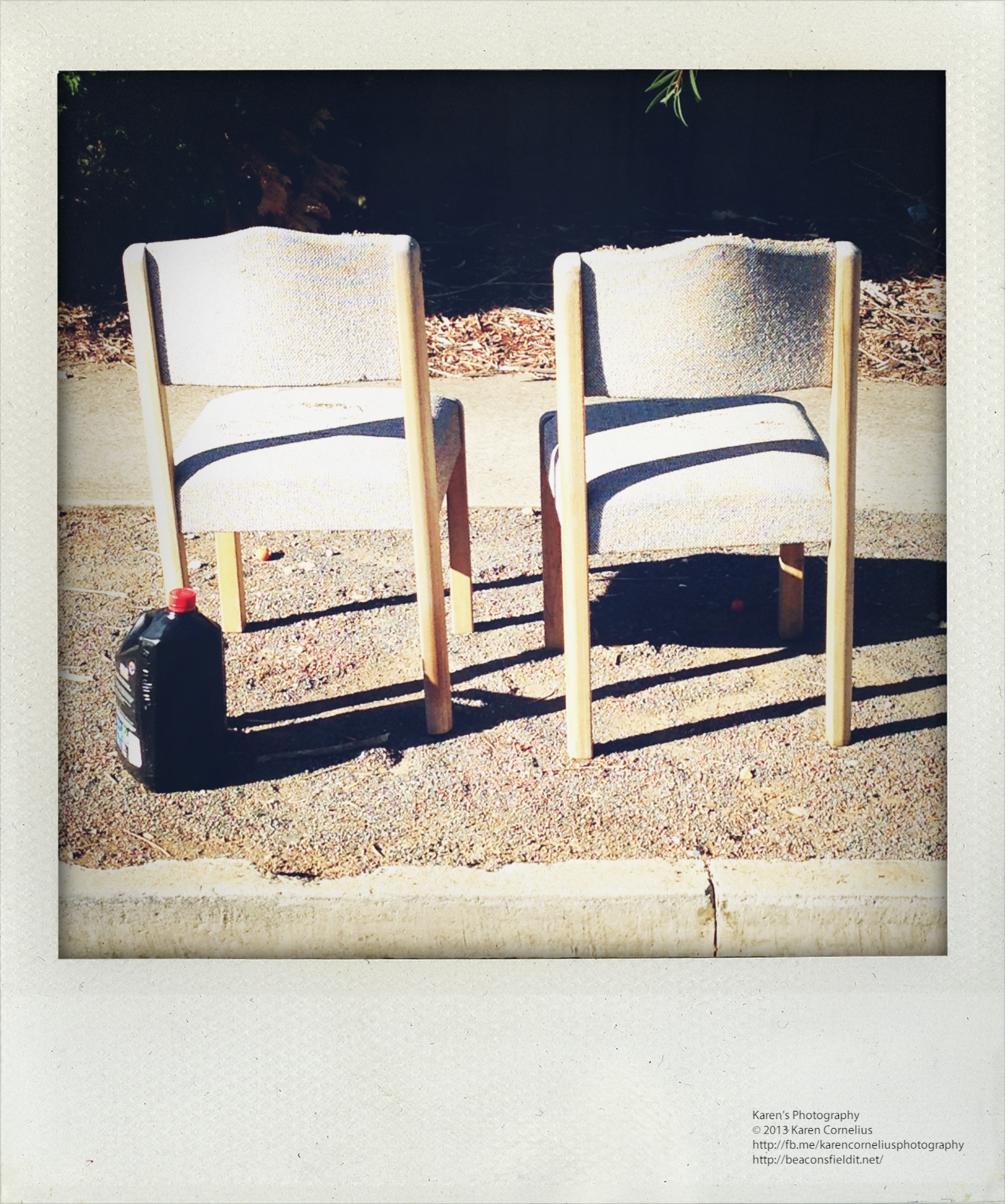
    Shake-it-Photo is a cute novelty app.  It emulates a Polaroid camera – sounding like one, requiring that one dry off  the image (have to shake the phone to develop the image, just like you may wave the polaroid to dry it) and looking authentically ‘polaroid’ once developed. IMG_0928   The camera is straight forward to use – offering the usual camera icon for the snap, flash on/off and the option to take a self portrait if required. Out of ‘shoot mode’ there is an option to ‘share’ with faceBook or email or to access your camera roll to take in photos to ‘shake’. Here’s an example of one re-worked … IMG_0706   Here is a set taken out for my usual morning walk with Ruby …   Not the most exciting or flexible app reviewed to date, but certainly novel and quick and easy fun.  Give it a go! That’s it for today, enjoy Shake-it-Photo and hopefully I will see you tomorrow! Thanks for coming over!!