


 Instructions at the ready – I like that in a new app, easy to navigate!
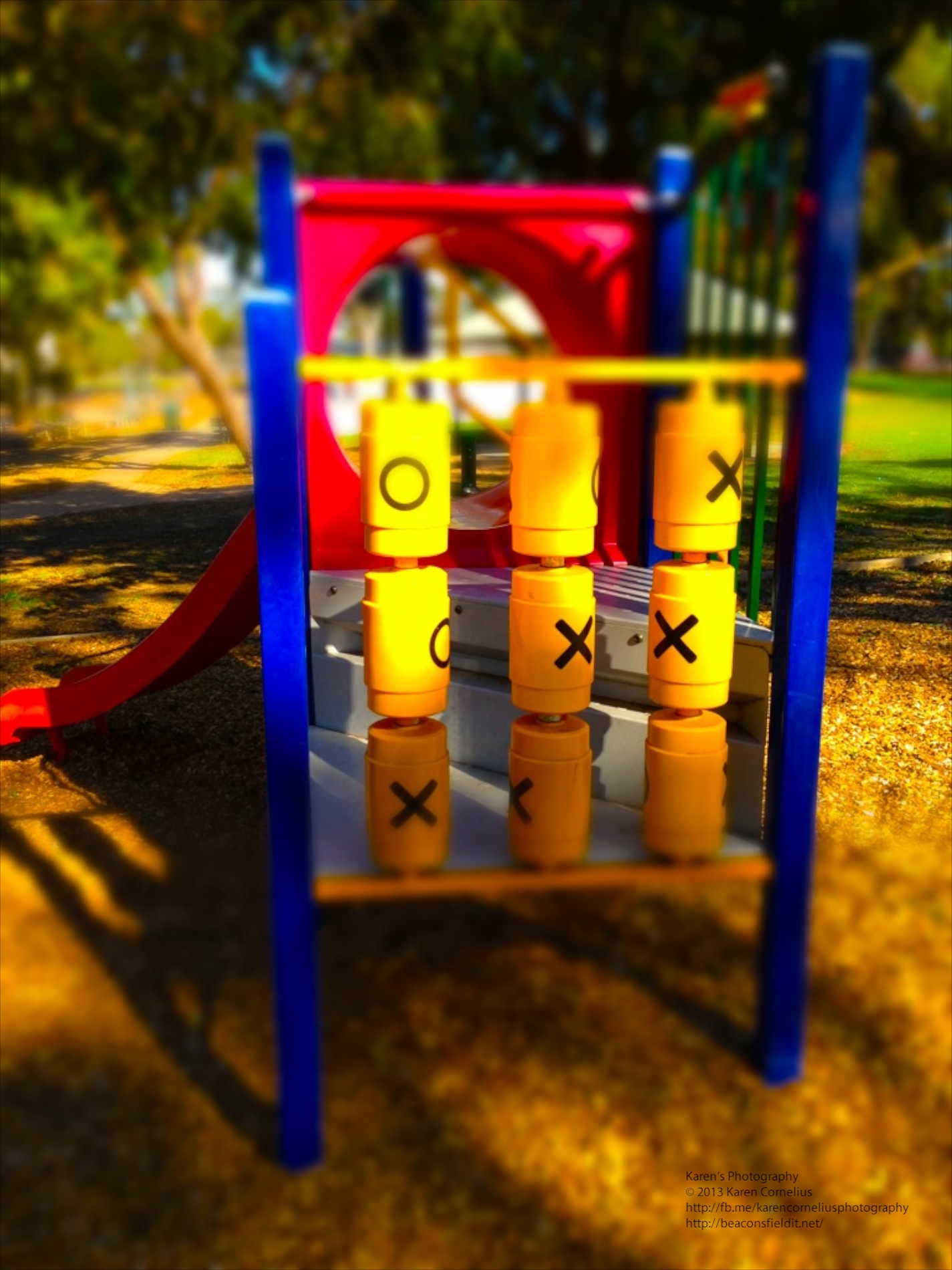
There are 2 tilt shift effects, radial and linear.
Linear examples from the local skate park …
Instructions at the ready – I like that in a new app, easy to navigate!
There are 2 tilt shift effects, radial and linear.
Linear examples from the local skate park …


 – Saturation
-Contrast
– Brightness
My images were ‘as they came’ so the default settings are quite bright and light!
I have wanted to play with a tilt shift lens or lend baby on my DSLR, so this little app is fun to explore. Not sure its a top of the pops one really though??
That’s it for this review, enjoy Tilt Shift, and hopefully I will see you tomorrow!
Thanks for coming over!!
– Saturation
-Contrast
– Brightness
My images were ‘as they came’ so the default settings are quite bright and light!
I have wanted to play with a tilt shift lens or lend baby on my DSLR, so this little app is fun to explore. Not sure its a top of the pops one really though??
That’s it for this review, enjoy Tilt Shift, and hopefully I will see you tomorrow!
Thanks for coming over!!
 The ‘edit’ button allows one to pick up previous images from the camera roll and other collections.
The ‘collage’ button allows up to 9 images from the camera roll (+) to be selected and collaged.
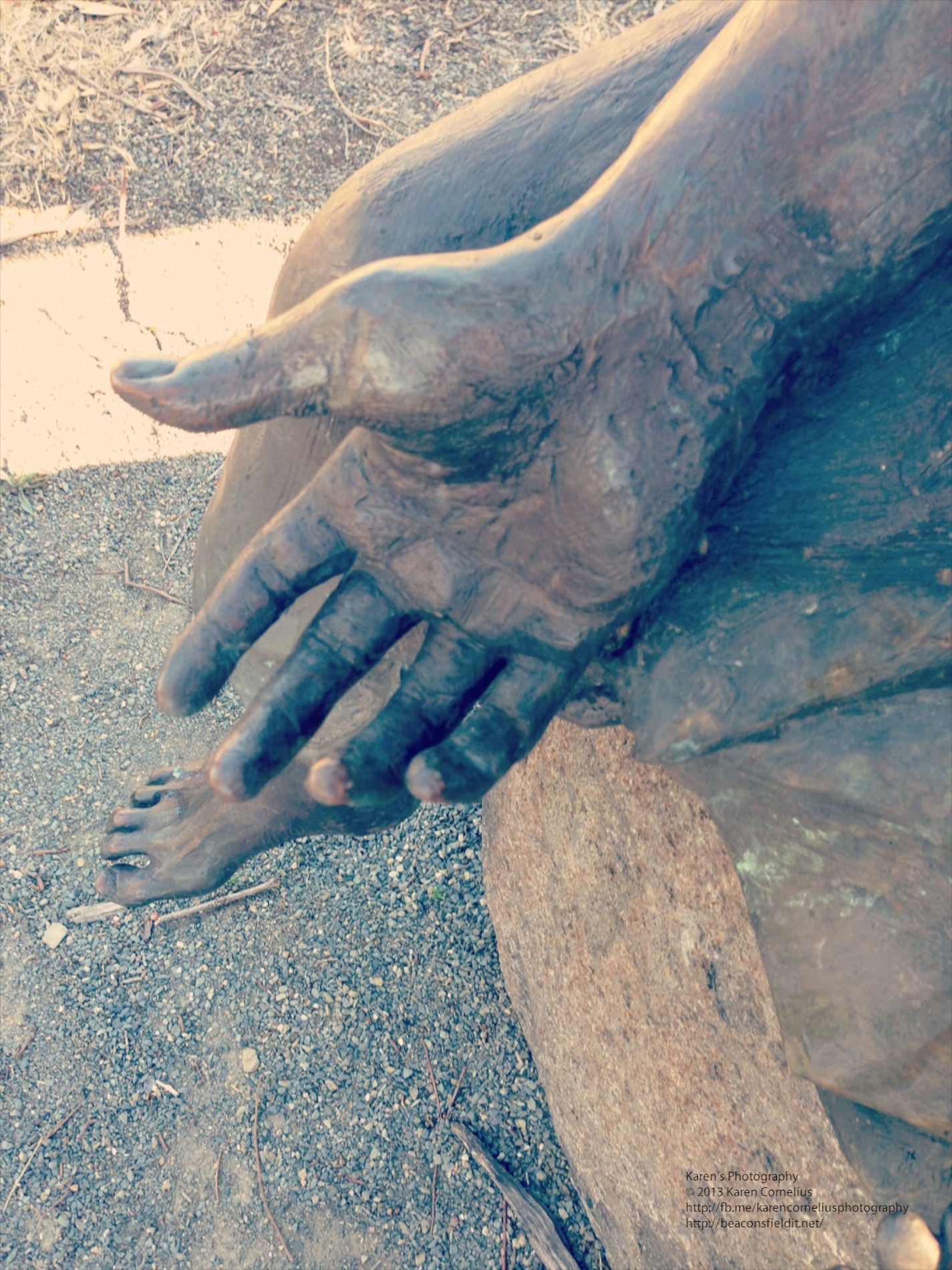
The FX camera has 10 filters to add to images snapped. My examples from Colebrook Park (memorial to Aboriginal children taken from their families and homes up until the late 1970s) …
The ‘edit’ button allows one to pick up previous images from the camera roll and other collections.
The ‘collage’ button allows up to 9 images from the camera roll (+) to be selected and collaged.
The FX camera has 10 filters to add to images snapped. My examples from Colebrook Park (memorial to Aboriginal children taken from their families and homes up until the late 1970s) …


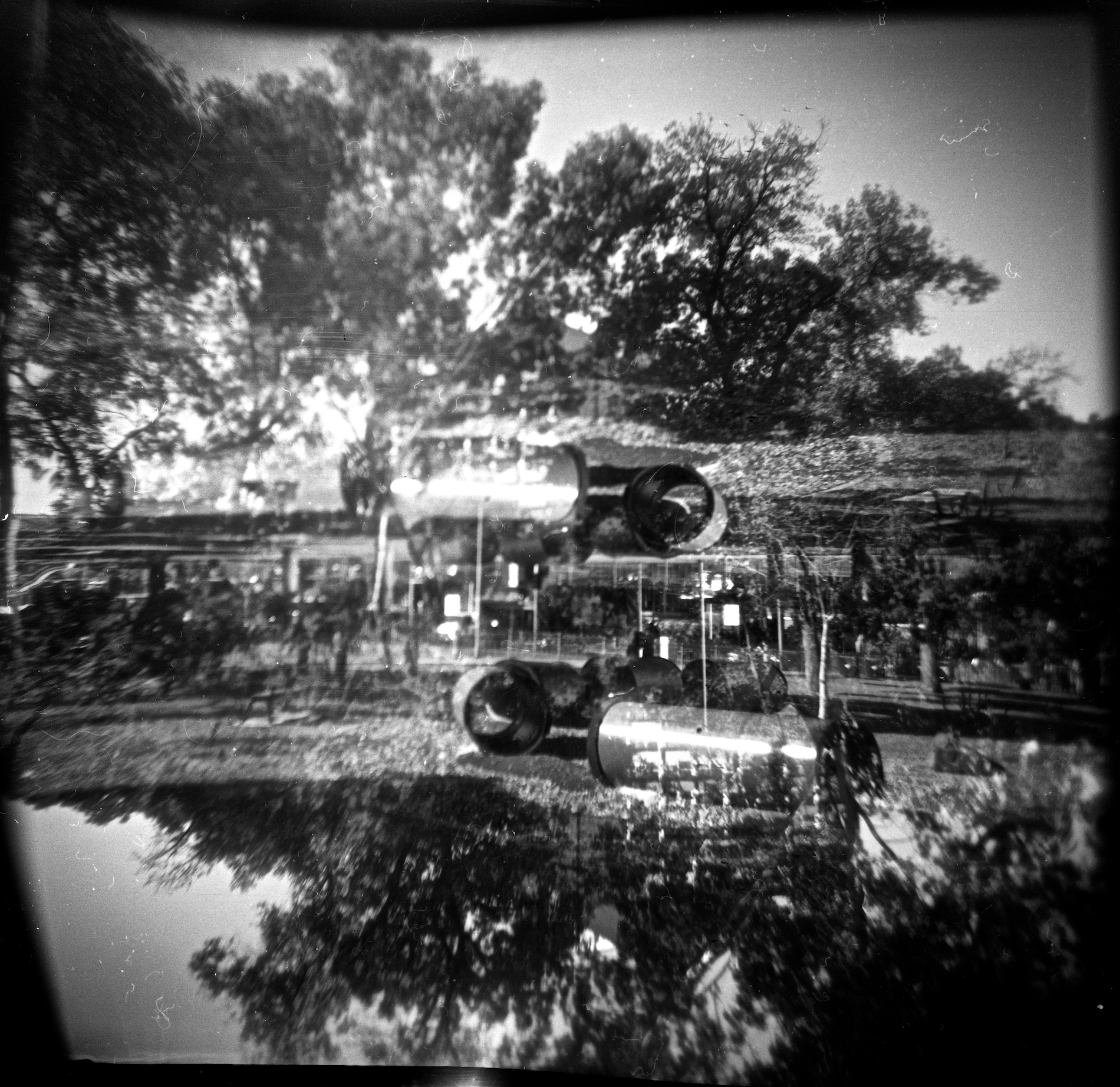
 It also has an instruction overlay that is somewhat hard to remove …
 Once you have selected a camera, you can choose between adding the effect to an existing photo or taking your own. For the purposes of this review, I took my own shots, but I suspect it might be more funt o play with adding some excitement to the shots in your camera roll.
Camera one produces images that look like this …
Once you have selected a camera, you can choose between adding the effect to an existing photo or taking your own. For the purposes of this review, I took my own shots, but I suspect it might be more funt o play with adding some excitement to the shots in your camera roll.
Camera one produces images that look like this …


 And my favourite, Camera 3 produces some strange effects …


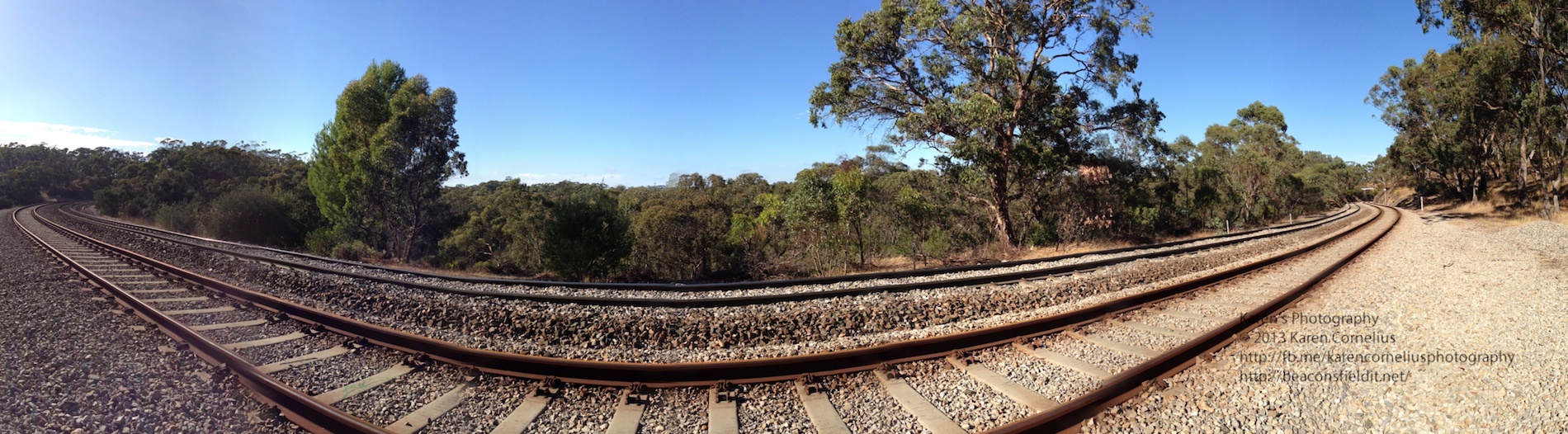
 The ‘Create’ button opens with a simple screen – HDR (additional $0.99) auto/off flash and a nifty yin and yang sign . Basically you hold the phone vertically and move the signs toward each other to create your panorama. Simple Start and Finish and its done! Nothing particularly novel so far …
The gallery looks nice …
The ‘Create’ button opens with a simple screen – HDR (additional $0.99) auto/off flash and a nifty yin and yang sign . Basically you hold the phone vertically and move the signs toward each other to create your panorama. Simple Start and Finish and its done! Nothing particularly novel so far …
The gallery looks nice …
 With geotagging, share button and notes option. I like this!!
Even better, when one goes into the photos to view them on one’s phone, the view pans across the image and back again! Love this!!!
With geotagging, share button and notes option. I like this!!
Even better, when one goes into the photos to view them on one’s phone, the view pans across the image and back again! Love this!!!

You must be logged in to post a comment.