A really easy starting menu for this app too! Vintage camera offers 30 styles of ‘vintage scenes’, 15 sets of ‘faded times’ options and a range of antique frames and borders.
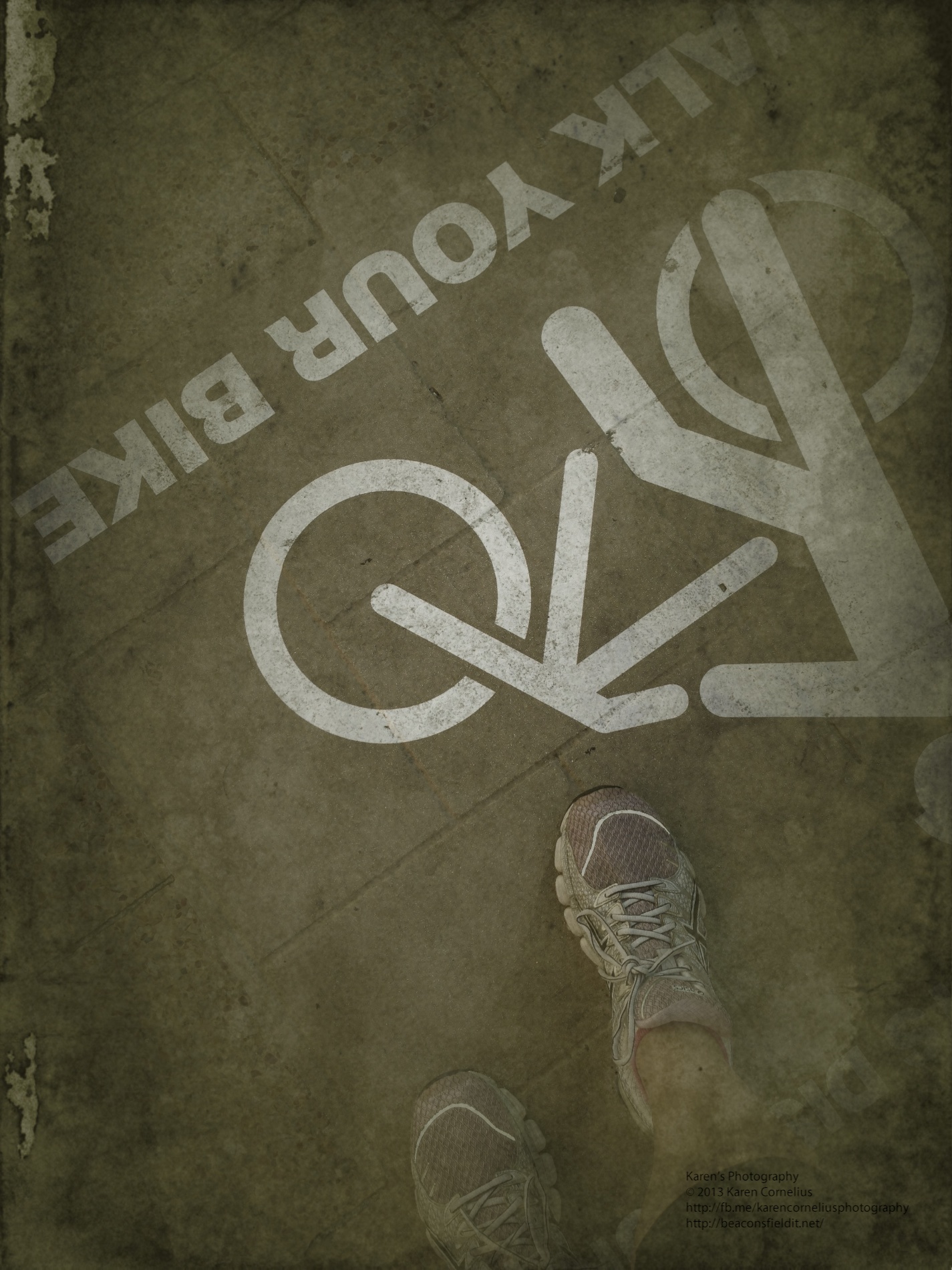
I used the images I have been collecting of my feet to produce these …
Original and 2 filters. Another example …
Instructions pop up pretty immediately …
Straight forward process. I am disappointed that the vintage effects are all VERY vintage – there is an option to manage the image age, the texture strength, the image strength, to fade the photo and enhance the image though – probably worth more exploration.
These four were particularly cute!
The share options are extensive and include the usual suspects – FaceBook, Twitter, Tumblr and Instagram.
Overall verdict? Pretty flexible and interesting, but I think I like CameraFX and PhotoCat better for options and ease of use. I’ll keep it in a folder on my photography apps page, but not busting to trot it out regularly at this stage.
Before I go … while I am on the topic of feet – I made this collage of feet images, desaturated it and saved it to camera roll, but cannot remember which app I used. It’s official, I have TOO many!!!
Thanks for checking this review, hope you found it useful. See you tomorrow?
Thanks for coming over!
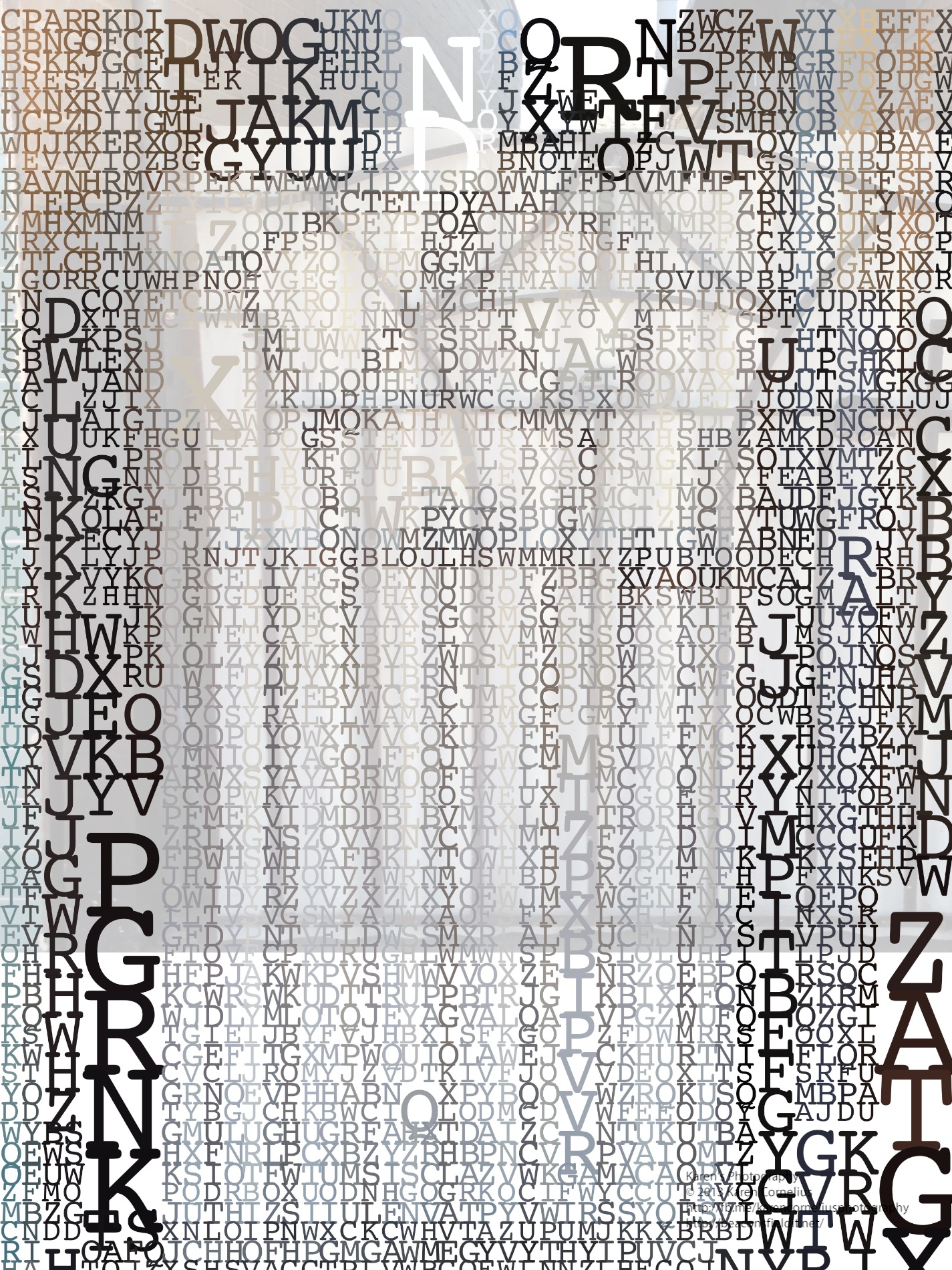
This was my starting image for playing with XnShape …
The options are to take a picture or to select one from the Camera Roll – as I did.
You can then apply one of 9 drawing edits to the image and access a palette of colours …
The result is as follows …
Once you’ve selected a treatment, there are a choice of ‘Sharing’ options …
I have to say I am not enamoured of the effects … what do you think?
So, that’s it for this review, enjoy XnShape if you choose to, and hopefully I will see you next time!
Thanks for coming over!
 A really easy starting menu for this app too! Vintage camera offers 30 styles of ‘vintage scenes’, 15 sets of ‘faded times’ options and a range of antique frames and borders.
I used the images I have been collecting of my feet to produce these …
A really easy starting menu for this app too! Vintage camera offers 30 styles of ‘vintage scenes’, 15 sets of ‘faded times’ options and a range of antique frames and borders.
I used the images I have been collecting of my feet to produce these …


 Straight forward process. I am disappointed that the vintage effects are all VERY vintage – there is an option to manage the image age, the texture strength, the image strength, to fade the photo and enhance the image though – probably worth more exploration.




You must be logged in to post a comment.