So, next cab off the rank is the Zitrr Camera. Here’s the camera screen …
There are a number of options – level (turned on in this screen shot), seven different screen set up options (including rule of thirds, diagonals, square, golden etc) and different camera types.
There are options to use the usual iPhone camera set up, video, self timer, burst, anti-shake, interval and scan. Quite a versatile range!!
White Balance can be auto or locked, and filters are switched on by ‘pulling’ a red lever. There are 12 filter options – lomo, pastel, feather, crude, intense, haze, old paper, sketch, lux, toon, poster and comic. With this range there are filters that match Vintage (AppsApril#15), Luminance (not all options, but some – AppsApril#3) and a number of the others I have reviewed so far.
The gallery set up is straight forward …
Settings enable location identification, volume on the shutter, sounds, and back up and sharing choices.
I stayed in bed and checked out what Zitrr could do from my view point there …
Some zany effects!! The wardrobe never looked so interesting!!
I also took the opportunity to capture Cayleigh Cat – asleep on my bed and enjoying the opportunity to ‘lie in’!
She is an active sleeper (in fact pushes me across the bed at night!). Cute but!! Some vintage and drawing effects feature here.
Overall – I think this is a pretty handy app – not my favourite, but useful and intuitive to handle. Give it a go I’d say.
So that’s it for this review, thanks for reading it!!
Catch ya next time!
LUMO is designed by 99centbrains with the intention of enabling the photographer to add brilliant bursts of colour to one’s photos.
The home screen opens up to a choice of 3 cameras.
It also has an instruction overlay that is somewhat hard to remove …
Once you have selected a camera, you can choose between adding the effect to an existing photo or taking your own. For the purposes of this review, I took my own shots, but I suspect it might be more funt o play with adding some excitement to the shots in your camera roll.
Camera one produces images that look like this …
Camera 2 adds an odd light flare to the bottom right …
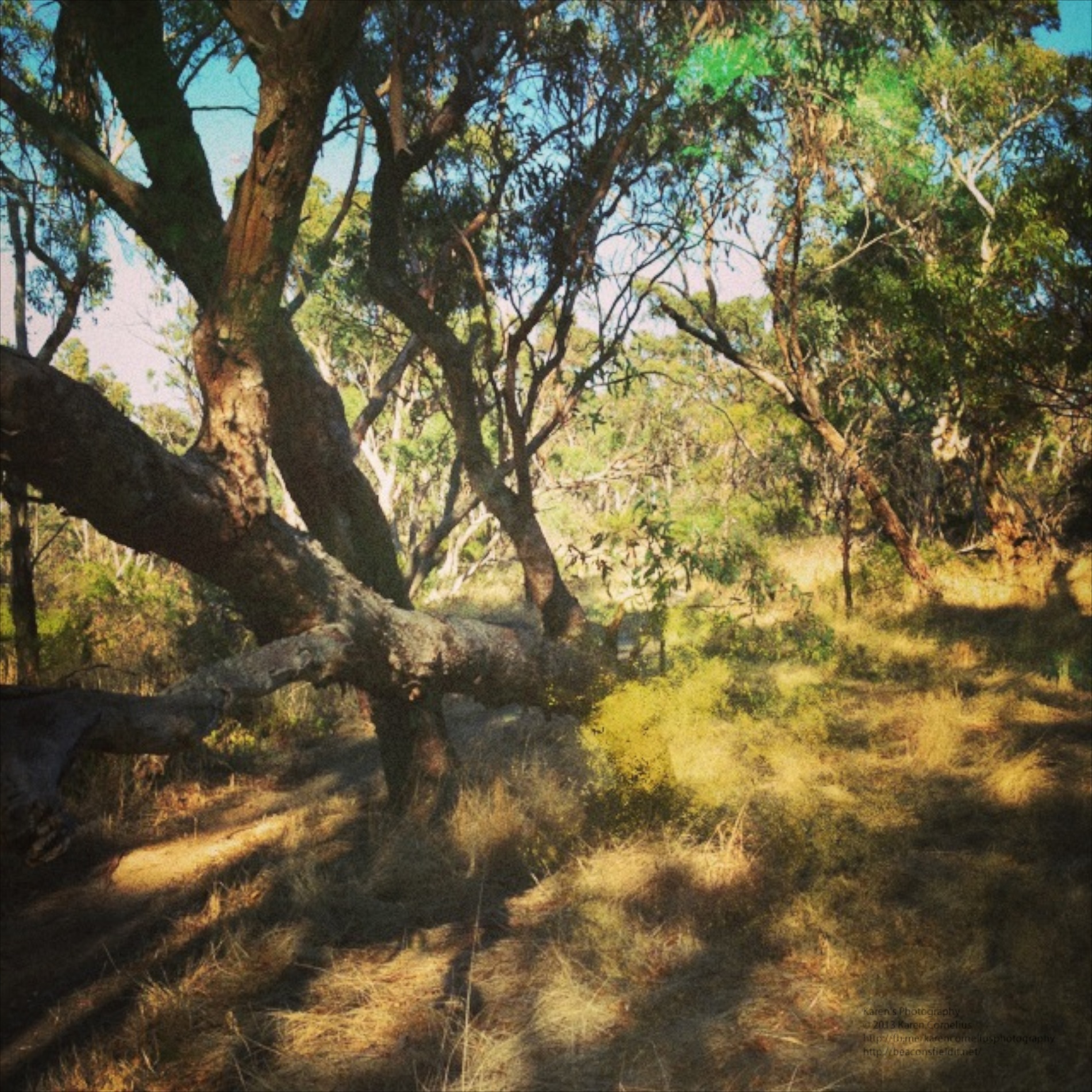
And my favourite, Camera 3 produces some strange effects …
Bit Holga-ish I thought.
Well, that’s it for LUMO. Hope you enjoy it and look forward to seeing you in the next instalment!
Thanks for coming over – why not leave a comment down below and register for Blog updates??
DMD or Dermander is the next app under review in my AppsApril process. DMD is a panorama creating app.
The ‘Create’ button opens with a simple screen – HDR (additional $0.99) auto/off flash and a nifty yin and yang sign . Basically you hold the phone vertically and move the signs toward each other to create your panorama. Simple Start and Finish and its done! Nothing particularly novel so far …
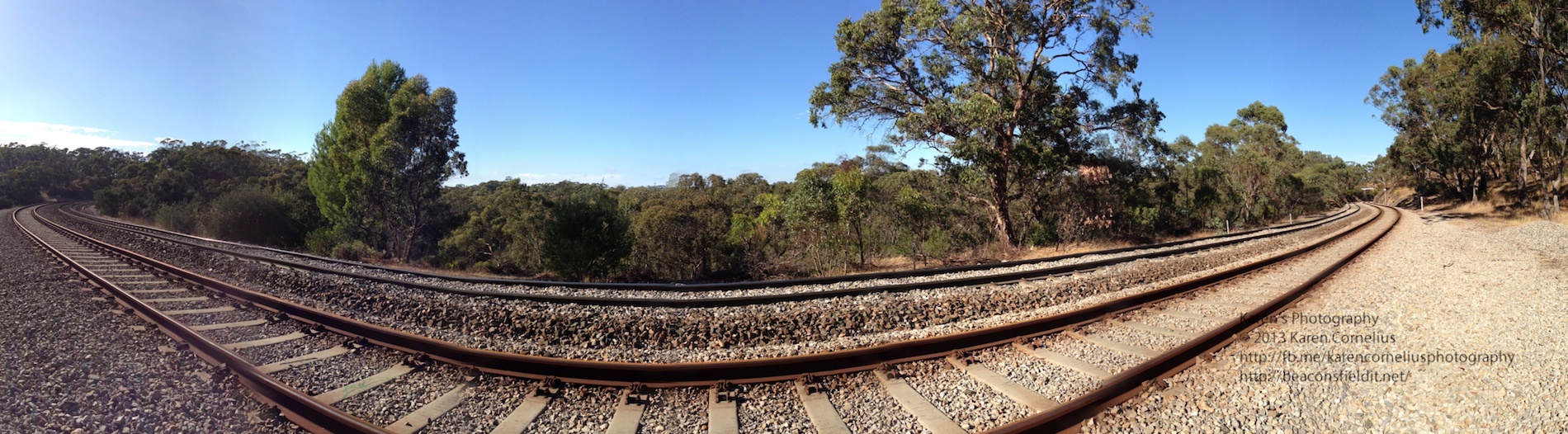
The gallery looks nice …
With geotagging, share button and notes option. I like this!!
Even better, when one goes into the photos to view them on one’s phone, the view pans across the image and back again! Love this!!!
Just tried popping these 3 examples in as a slide show – wonder how that will work!
Summary – pretty usual in most ways other than the Ken Burns/panning display effect on one’s phone. If you don’t have an iPhone 5 with the nice panorama option built in, this may be worth considering.
That’s it for this post, trust you’ll enjoy DMD and hopefully I’ll catch you next time!
Thanks for coming over!
Wood Camera is an odd name for a photography app. Made by Bright Mango (that’s a more appealing name I think!)
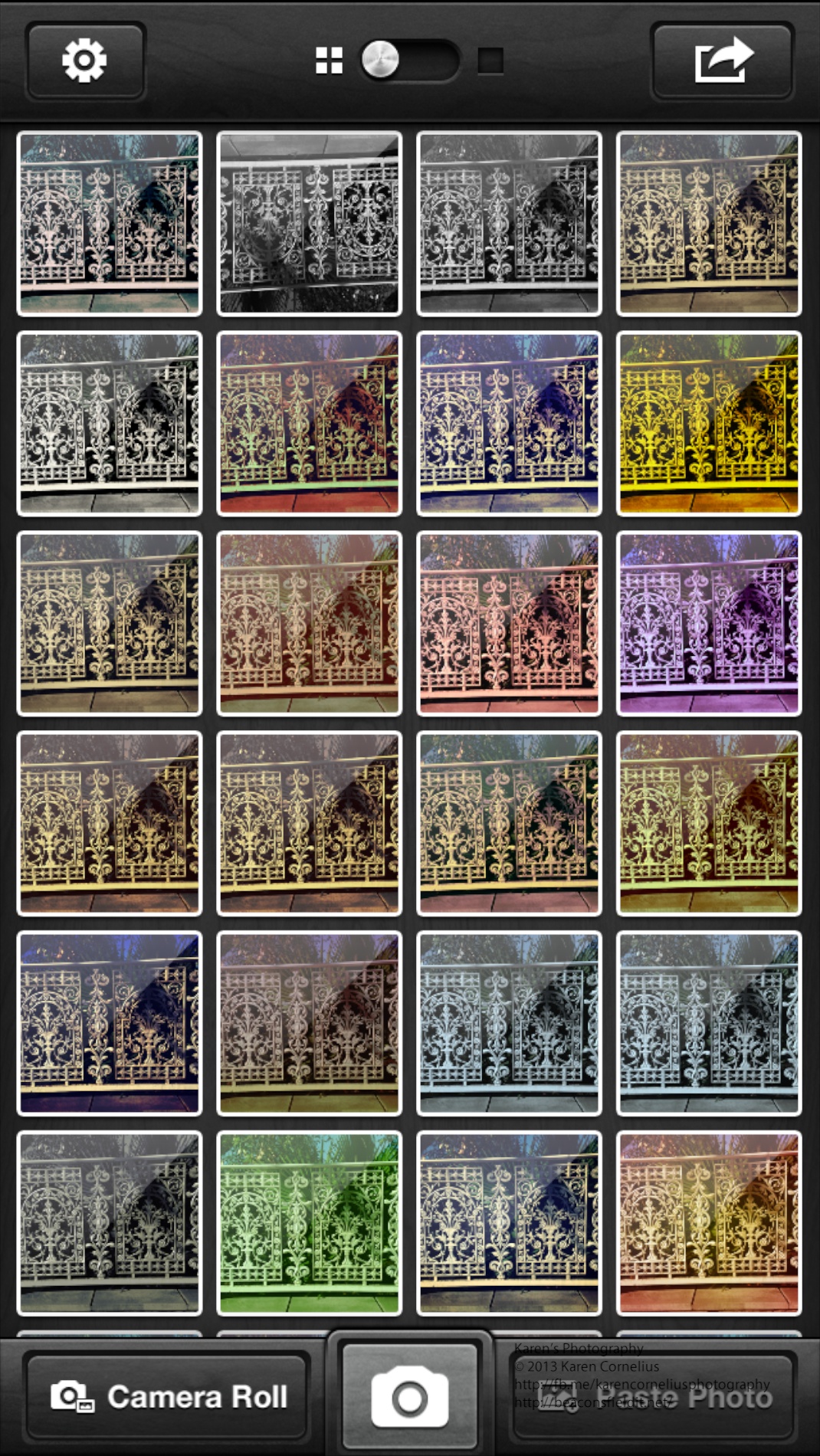
Anyway this is a simple app, with lots of filters (25++) and subtle changes in effect. Here are a set of images showing the variations in colours that are possible.
Frankly I think these effects can be achieved more effectively and flexibly in other apps reviewed to date – Luminance and CameraFX are just 2 that offer more options and sliders for adjusting effects.
The gallery screen is pretty when one systematically loads up a photo with every possible filter used …
The Share button only works with single images … mmmm. That means each image has to be individually shared. There are also options to email, Twitter, Facebook, Flickr, Instagram and DropBox the image.
Geotagging is available in the Settings button. If you’re going to use this camera app go straight to the Settings button and turn on ‘Save to Camera Roll’ to save yourself the laborious task of individually saving them there!
That’s it for this edition. Enjoy Wood Camera and hopefully I will see you next time!
Thanks for stopping by!
Today I played with DBCam – Double Camera. have to admit that it took me a bit to work out what it was doing!! Der …
Here’s the camera screen
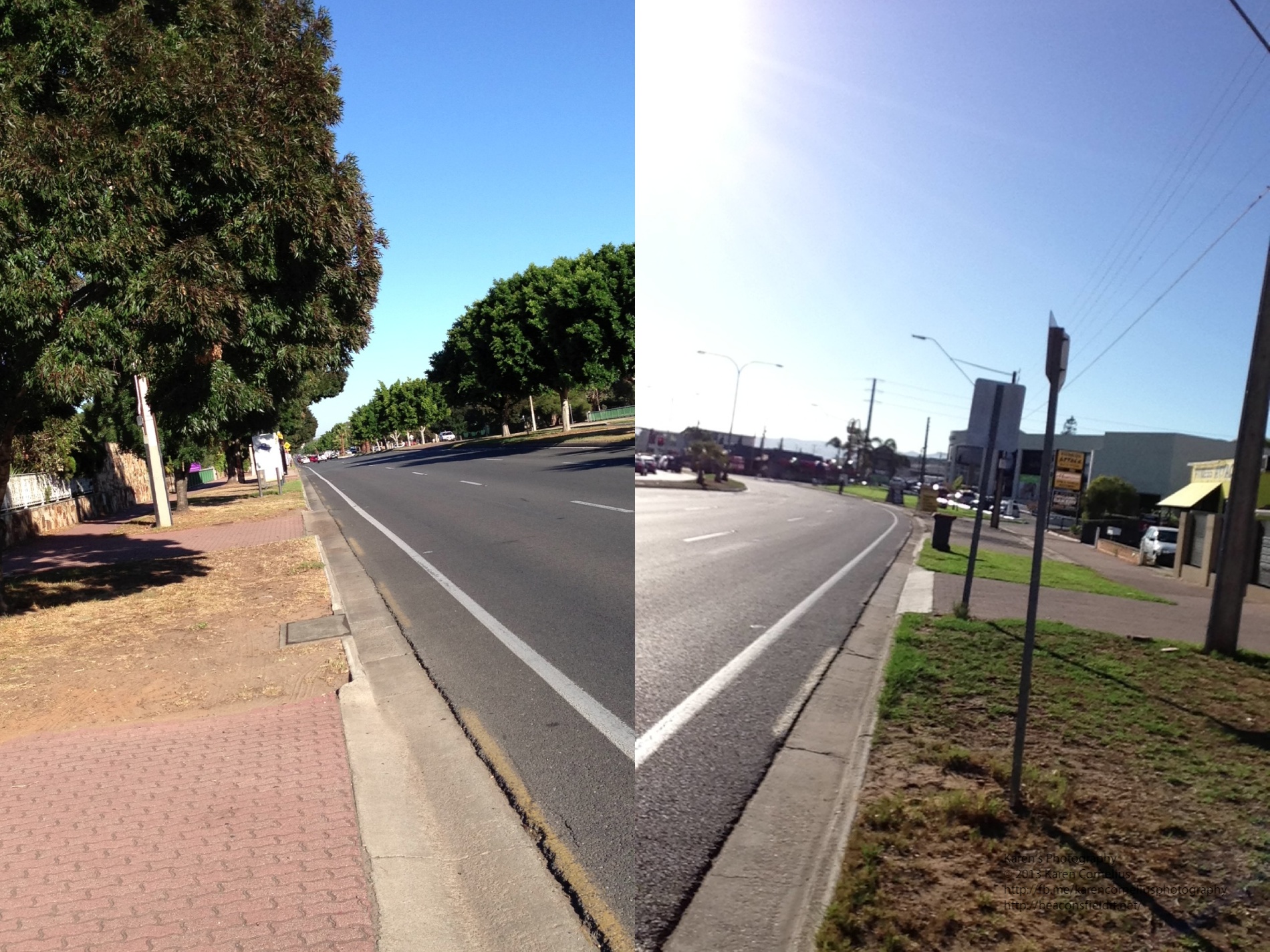
Anyway, the story is … when you click the ‘camera’ button the app takes a shot of both sides of the phone. Next time you click the camera button it starts when it finished the time before. So, what I finally worked out is that if i didn’t want to be in every photo (first or second image), I needed to stand to one side.
Some clever effects, a novelty app, probably not my ‘top of the pops’!!
Some examples …
That’s it for today, enjoy DBCam and hopefully I will see you tomorrow!
Thanks for coming over!

 There are a number of options – level (turned on in this screen shot), seven different screen set up options (including rule of thirds, diagonals, square, golden etc) and different camera types.
There are options to use the usual iPhone camera set up, video, self timer, burst, anti-shake, interval and scan. Quite a versatile range!!
White Balance can be auto or locked, and filters are switched on by ‘pulling’ a red lever. There are 12 filter options – lomo, pastel, feather, crude, intense, haze, old paper, sketch, lux, toon, poster and comic. With this range there are filters that match Vintage (AppsApril#15), Luminance (not all options, but some – AppsApril#3) and a number of the others I have reviewed so far.
The gallery set up is straight forward …
There are a number of options – level (turned on in this screen shot), seven different screen set up options (including rule of thirds, diagonals, square, golden etc) and different camera types.
There are options to use the usual iPhone camera set up, video, self timer, burst, anti-shake, interval and scan. Quite a versatile range!!
White Balance can be auto or locked, and filters are switched on by ‘pulling’ a red lever. There are 12 filter options – lomo, pastel, feather, crude, intense, haze, old paper, sketch, lux, toon, poster and comic. With this range there are filters that match Vintage (AppsApril#15), Luminance (not all options, but some – AppsApril#3) and a number of the others I have reviewed so far.
The gallery set up is straight forward …
 Settings enable location identification, volume on the shutter, sounds, and back up and sharing choices.
I stayed in bed and checked out what Zitrr could do from my view point there …
Settings enable location identification, volume on the shutter, sounds, and back up and sharing choices.
I stayed in bed and checked out what Zitrr could do from my view point there …










You must be logged in to post a comment.