Tag: iPhone apps

  • AppsApril#11 LUMO

    AppsApril#11 LUMO

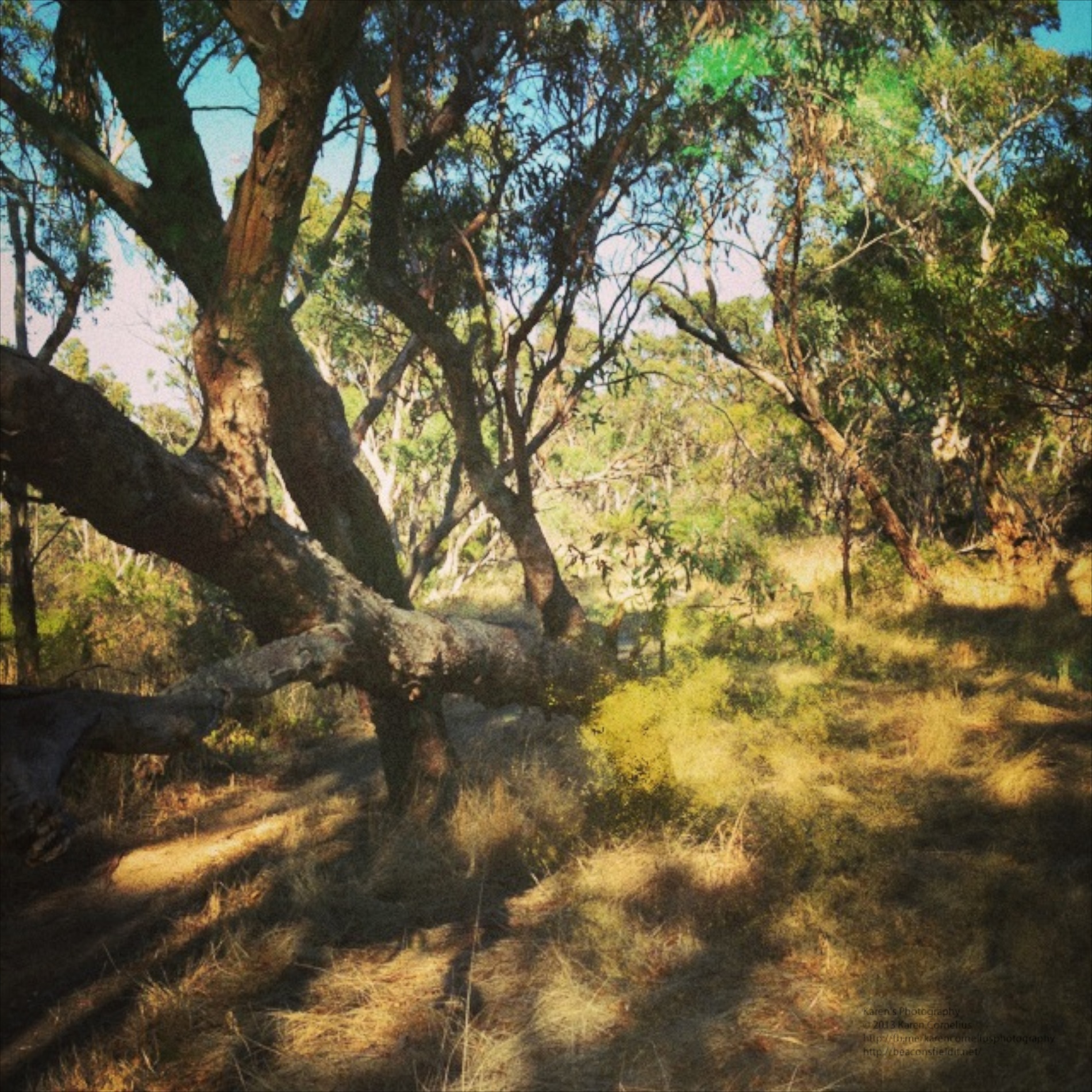
    LUMO is designed by 99centbrains with the intention of enabling the photographer to add brilliant bursts of colour to one’s photos. The home screen opens up to a choice of 3 cameras. IMG_0976   It also has an instruction overlay that is somewhat hard to remove … IMG_0977   Once you have selected a camera, you can choose between adding the effect to an existing photo or taking your own.  For the purposes of this review, I took my own shots, but I suspect it might be more funt o play with adding some excitement to the shots in your camera roll. Camera one produces images that look like this … Camera 2 adds an odd light flare to the bottom right … IMG_0941   And my favourite, Camera 3 produces some strange effects … Bit Holga-ish I thought. Well, that’s it for LUMO. Hope you enjoy it and look forward to seeing you in the next instalment! Thanks for coming over – why not leave a comment down below and register for Blog updates??          
  • AppsApril#10 DMD

    AppsApril#10 DMD

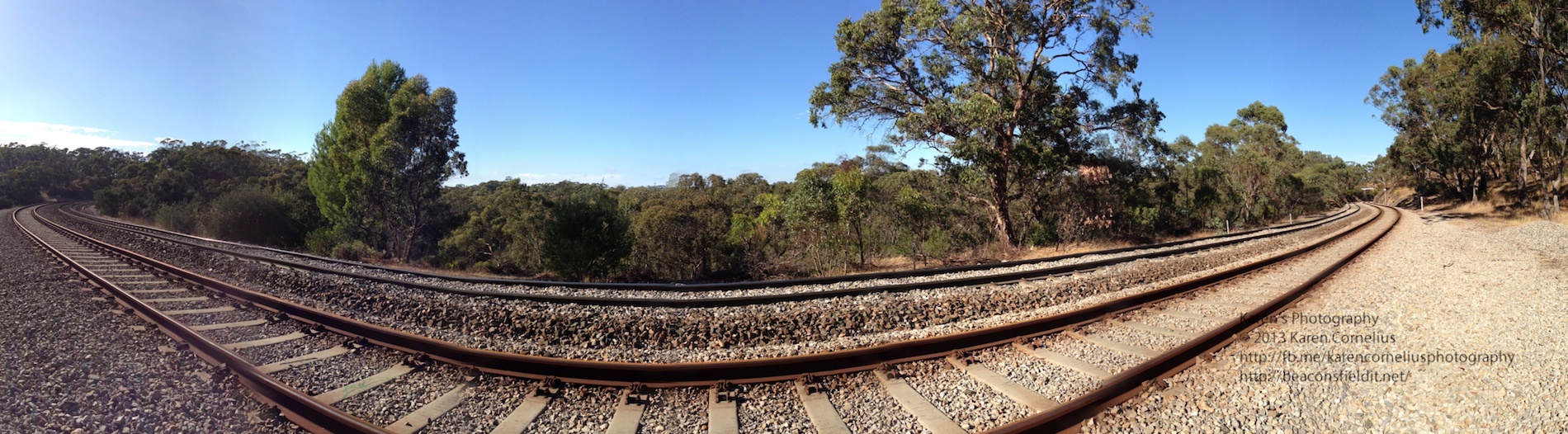
    DMD or Dermander is the next app under review in my AppsApril process. DMD is a panorama creating app. IMG_0978   The ‘Create’ button opens with a simple screen – HDR (additional $0.99) auto/off flash and a nifty yin and yang sign . Basically you hold the phone vertically and move the signs toward each other to create your panorama. Simple Start and Finish and its done!  Nothing particularly novel so far … The gallery looks nice … Jess 6   With geotagging, share button and notes option.  I like this!! Even better, when one goes into the photos to view them on one’s phone, the view pans across the image and back again!  Love this!!!   Just tried popping these 3 examples in as a slide show – wonder how that will work! Summary – pretty usual in most ways other than the Ken Burns/panning display effect on one’s phone.  If you don’t have an iPhone 5 with the nice panorama option built in, this may be worth considering. That’s it for this post, trust you’ll enjoy DMD and hopefully I’ll catch you next time! Thanks for coming over!  
  • AppsApril#6 Shake-it-Photo

    AppsApril#6 Shake-it-Photo

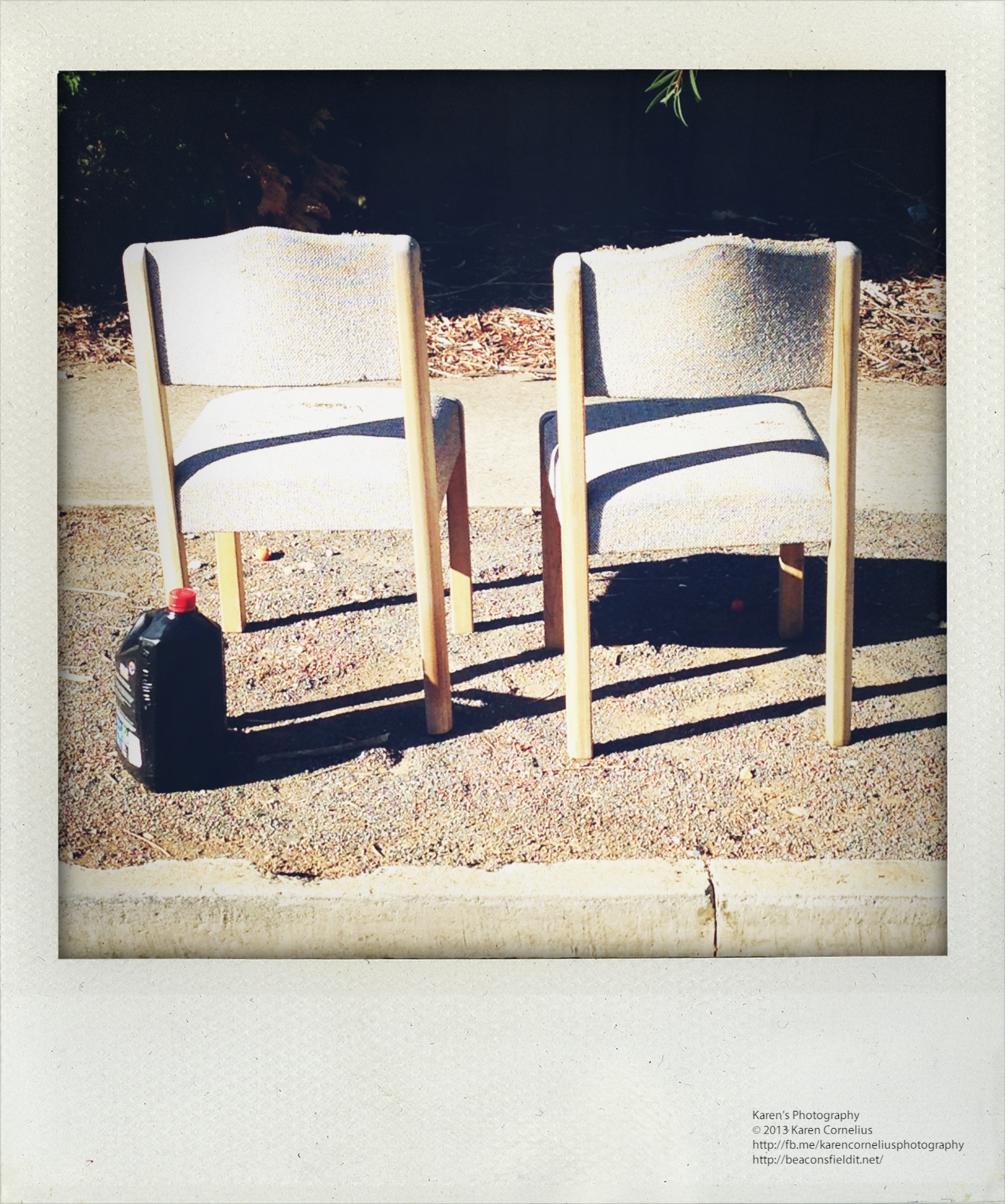
    Shake-it-Photo is a cute novelty app.  It emulates a Polaroid camera – sounding like one, requiring that one dry off  the image (have to shake the phone to develop the image, just like you may wave the polaroid to dry it) and looking authentically ‘polaroid’ once developed. IMG_0928   The camera is straight forward to use – offering the usual camera icon for the snap, flash on/off and the option to take a self portrait if required. Out of ‘shoot mode’ there is an option to ‘share’ with faceBook or email or to access your camera roll to take in photos to ‘shake’. Here’s an example of one re-worked … IMG_0706   Here is a set taken out for my usual morning walk with Ruby …   Not the most exciting or flexible app reviewed to date, but certainly novel and quick and easy fun.  Give it a go! That’s it for today, enjoy Shake-it-Photo and hopefully I will see you tomorrow! Thanks for coming over!!
  • AppsApril#4 Hipstamatic

    AppsApril#4 Hipstamatic

    IMG_0803   Hipatamatic is a funky little retro app that provides square images with a neat border. The app opens as a camera – front (above) or back.  One can purchase additional films/filters/effects There is an option to establish a Hipstaccount that lets you enter competitions, order prints and other ‘nifty things’ in the Hipsta online environment.  One can also connect to FaceBook, Twitter, Instagram, Tumblr and/or Flickr. The filter selection system is more complex than other apps.  One changes the film and lens to create a different effect.  This makes impromptu decision making about image effects a lityle more challenging.  Some of the images in this set were subjected to the ‘shake the camera to change the effect’ idea – randomises the outcome with some interesting results. Here’s some results … That’s it for today, enjoy Hipstamatic and hopefully I will see you tomorrow! Thanks for coming over!  
  • AppsApril#1 = Instagram ++

    AppsApril#1 = Instagram ++

    So welcome to the first AppsApril app, Instagram.  An obvious place to start I know, but I did wonder if people knew about all the extra Insta..apps that are available.

    Here’s a screen shot of my Instagram folder …

    photo

    I have used Instagram extensively at times – KarenClicks is my tag if you’re interested.

    Last year at the Australian Primary Principals Association national conference Master School Portraits ran an Instagram competition for the best ‘essence of conference’ image.

    I won an iPad with this one …

    Single


    Pretty chuffed I was!!!! Leaders outside the Melbourne Convention Centre, enjoying the sunshine.

    I enjoyed this one ‘Networking’ too …

    Networking

    Anyway – back to Instagram – there are various collage and frames apps.  Here’s an example of using the Collage app …

    Collage


    It comes with a range of shapes, frames and options.

    A new addition to my Instagram family is the Travelgram app.  This one tags images in locations and allows you to collect and group images around different locations, ideal for travelling obviously!! I plan to give it a go on my next vacations – Normanville, Banrock Station, Sydney to see the Dalai Lama and of course my 2 year posting to the British International School in Phuket!!

    The last news for today is that there is also a My Followers app that tracks activity on Instagram.  It will tell you who is following you, who you are following, what the reciprocal relationships are, if anyone has blocked you, who your fans are and who comments the most.  Interesting data process.  Bit like being able to check out your stats in FaceBook!

    That’s it for today, enjoy Instagram and hopefully I’ll see you tomorrow!! Thanks for coming over!!