iColorama S is another app with a wonderful array of editing options. My sister’s dog and my creatures are the subject matter for today’s review. iColorama S has a simple to use interface …
Each option opens a range of choices …
I enjoyed this app, but am not convinced that it is unique enough to purchase it over some of the others reviewed so far. If it was one’s only editing app – great, but more than likely you have a collection already and this may not be a ‘must have’ addition!
Thanks for checking in again today! Hope to see you again next time!
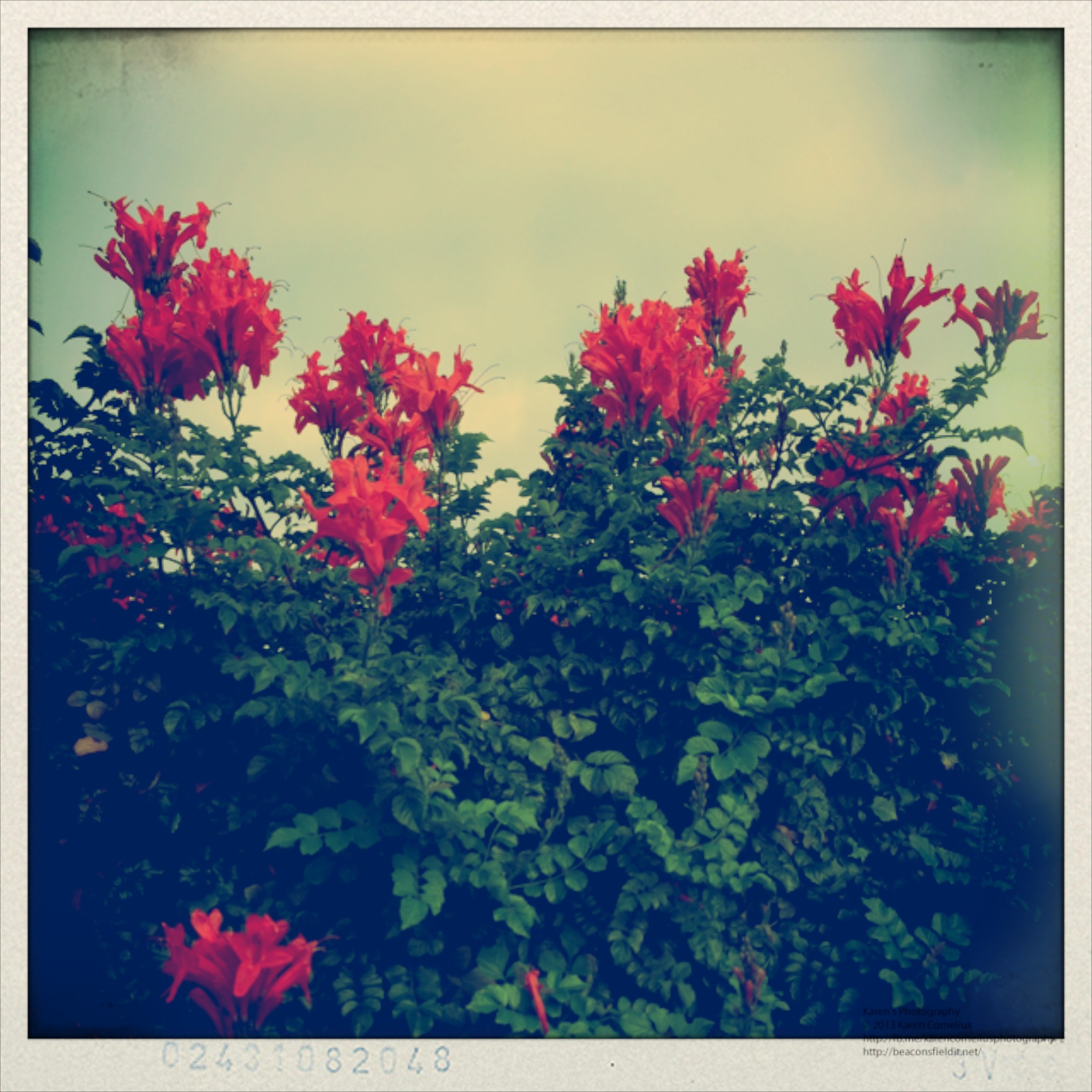
A really easy starting menu for this app too! Vintage camera offers 30 styles of ‘vintage scenes’, 15 sets of ‘faded times’ options and a range of antique frames and borders.
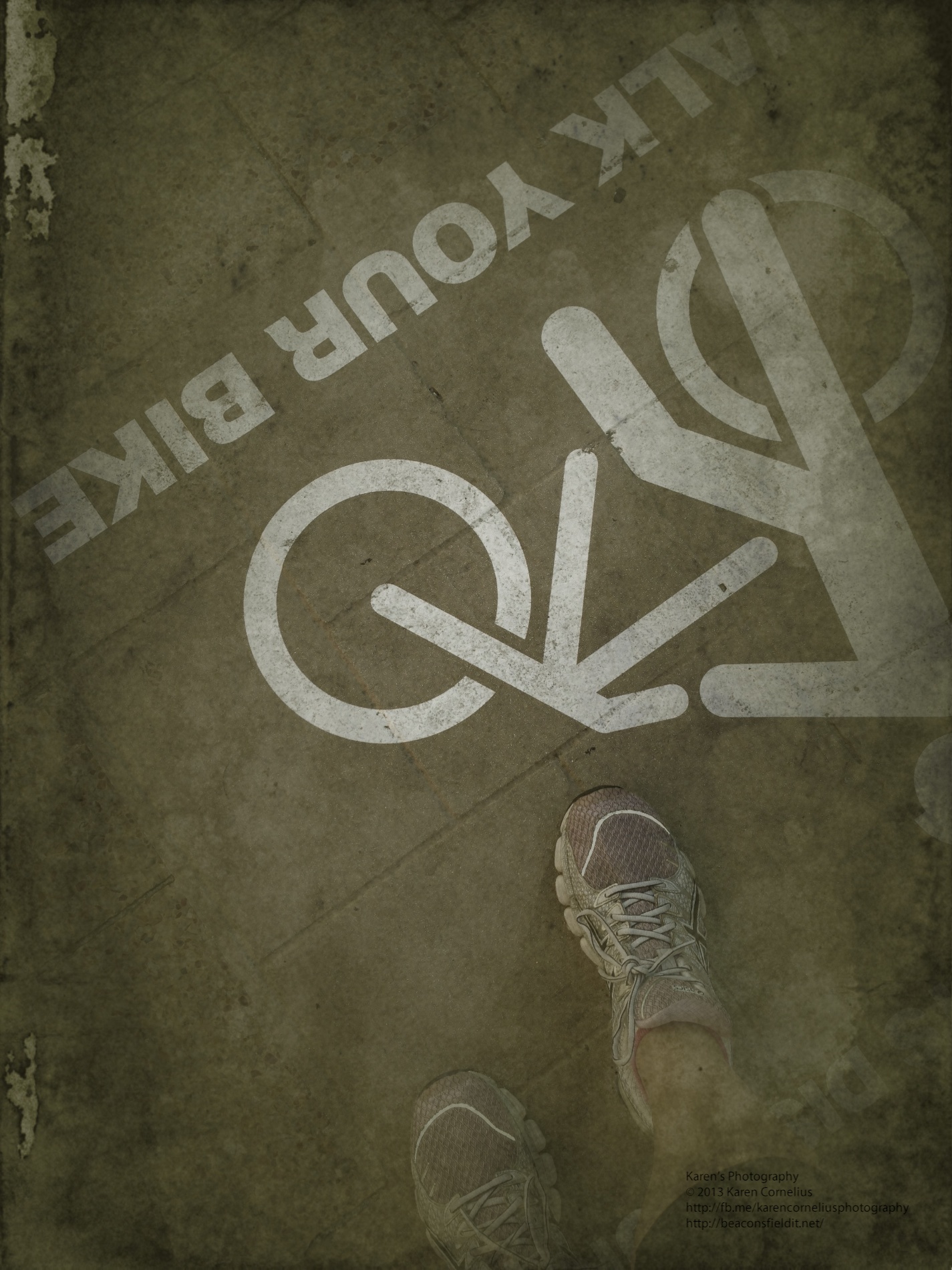
I used the images I have been collecting of my feet to produce these …
Original and 2 filters. Another example …
Instructions pop up pretty immediately …
Straight forward process. I am disappointed that the vintage effects are all VERY vintage – there is an option to manage the image age, the texture strength, the image strength, to fade the photo and enhance the image though – probably worth more exploration.
These four were particularly cute!
The share options are extensive and include the usual suspects – FaceBook, Twitter, Tumblr and Instagram.
Overall verdict? Pretty flexible and interesting, but I think I like CameraFX and PhotoCat better for options and ease of use. I’ll keep it in a folder on my photography apps page, but not busting to trot it out regularly at this stage.
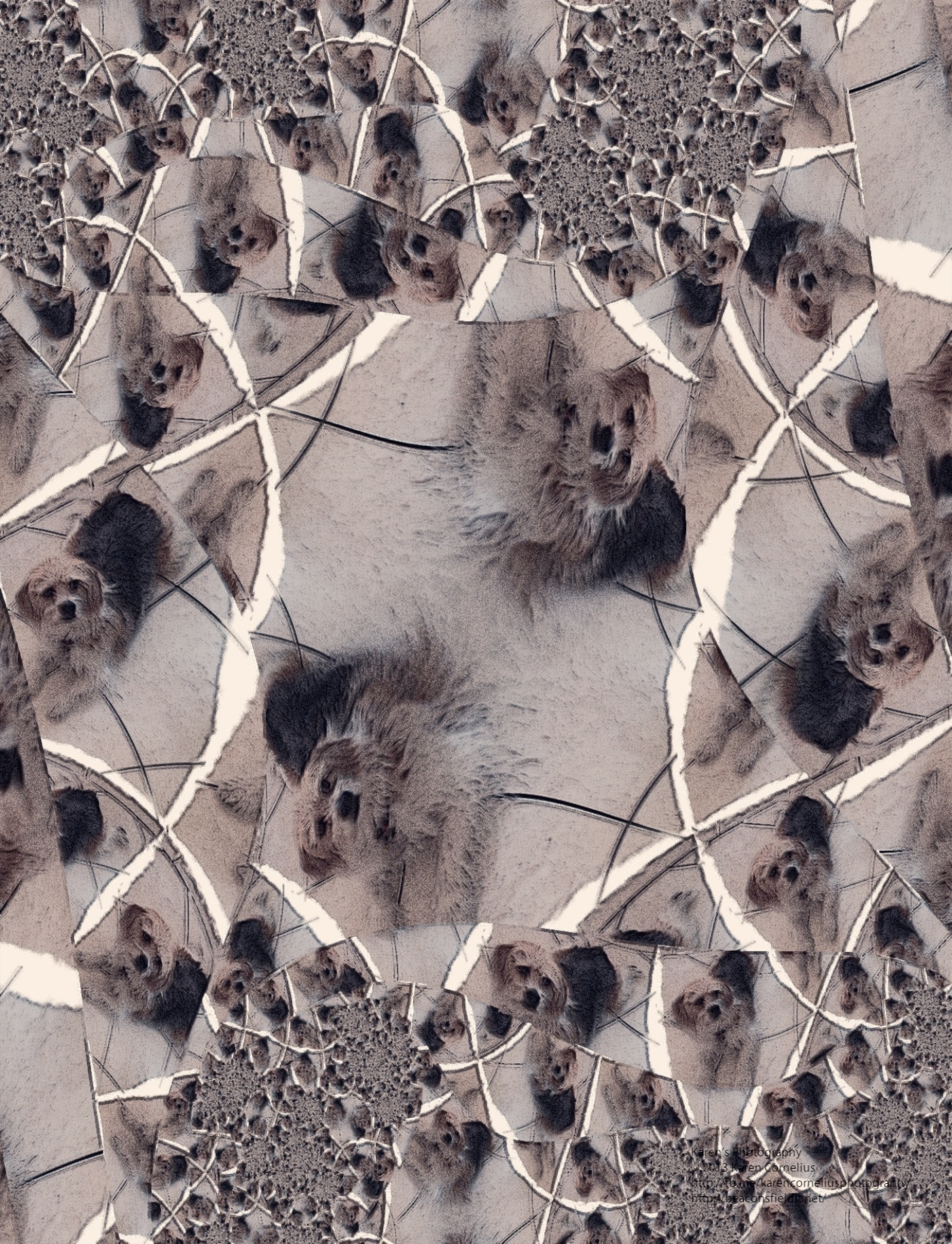
Before I go … while I am on the topic of feet – I made this collage of feet images, desaturated it and saved it to camera roll, but cannot remember which app I used. It’s official, I have TOO many!!!
Thanks for checking this review, hope you found it useful. See you tomorrow?
Thanks for coming over!
Today I played with DBCam – Double Camera. have to admit that it took me a bit to work out what it was doing!! Der …
Here’s the camera screen
Anyway, the story is … when you click the ‘camera’ button the app takes a shot of both sides of the phone. Next time you click the camera button it starts when it finished the time before. So, what I finally worked out is that if i didn’t want to be in every photo (first or second image), I needed to stand to one side.
Some clever effects, a novelty app, probably not my ‘top of the pops’!!
Some examples …
That’s it for today, enjoy DBCam and hopefully I will see you tomorrow!
Thanks for coming over!
Today I had a look at the BlackLight app. If you like neon effects, like to remember the disco lights in our younger days, this app may appeal to you!!
Relatively straight forward, one clicks an image and then uses a slider to decide on the intensity of the blacklight overall, as well as in the red, blue and green channels. Playing with the channels definitely creates some extreme colour shifts.
Access to your Camera Roll is seamless. There are no options for sharing or linking to other apps. Simple and straight forward. If you want a fluro or neon effect – this is for you.
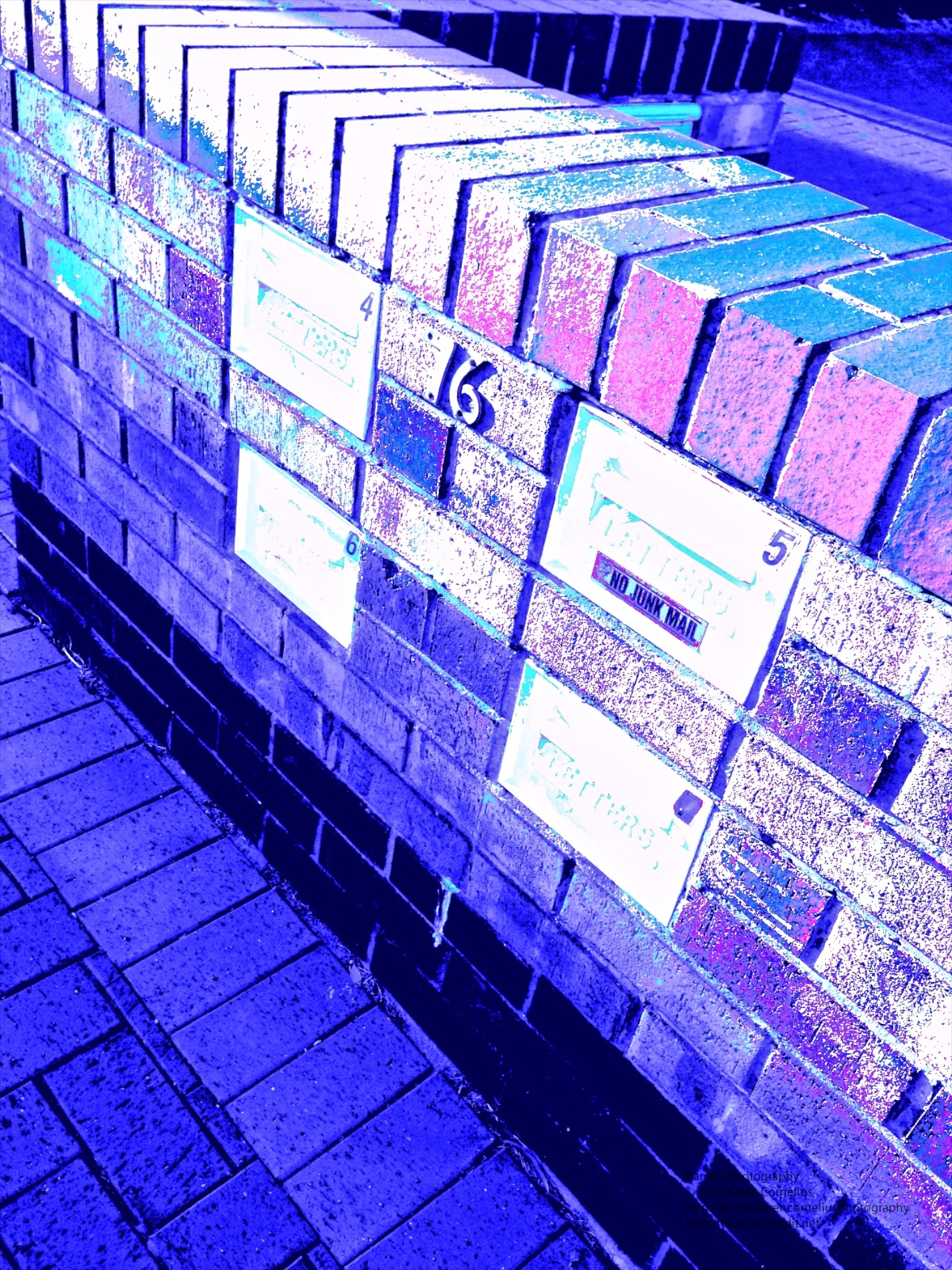
Here are some examples from my neighbourhood …
That’s it for today, enjoy Blacklight and hopefully I will see you tomorrow!
Thanks for coming over!!
Yep – fell in love with this app. first use and WOW!! A gem!
Three simple options on the opening screen – library, camera and settings (where there is the option for high resolution – oops, just found that! As well as FaceBook and Twitter connections). Nice big, clear DONE button at the top of the screen.
Love the Gallery button – cute display, pictures hanging on a peg over the developing tray!!
Once in the camera, one can turn the flash on/off, select a photo from the library or take a shot. There are then 20 filter effects fo choose from – all interesting, easy to use on a slider and able to be adjusted for contrast, enhancement, framing and rotation.
Just terrific!! Here’s my first samples …
That’s it for today, enjoy CameraFX and hopefully I will see you tomorrow!
Thanks for coming over!


 Each option opens a range of choices …


 A really easy starting menu for this app too! Vintage camera offers 30 styles of ‘vintage scenes’, 15 sets of ‘faded times’ options and a range of antique frames and borders.
I used the images I have been collecting of my feet to produce these …
A really easy starting menu for this app too! Vintage camera offers 30 styles of ‘vintage scenes’, 15 sets of ‘faded times’ options and a range of antique frames and borders.
I used the images I have been collecting of my feet to produce these …


 Straight forward process. I am disappointed that the vintage effects are all VERY vintage – there is an option to manage the image age, the texture strength, the image strength, to fade the photo and enhance the image though – probably worth more exploration.


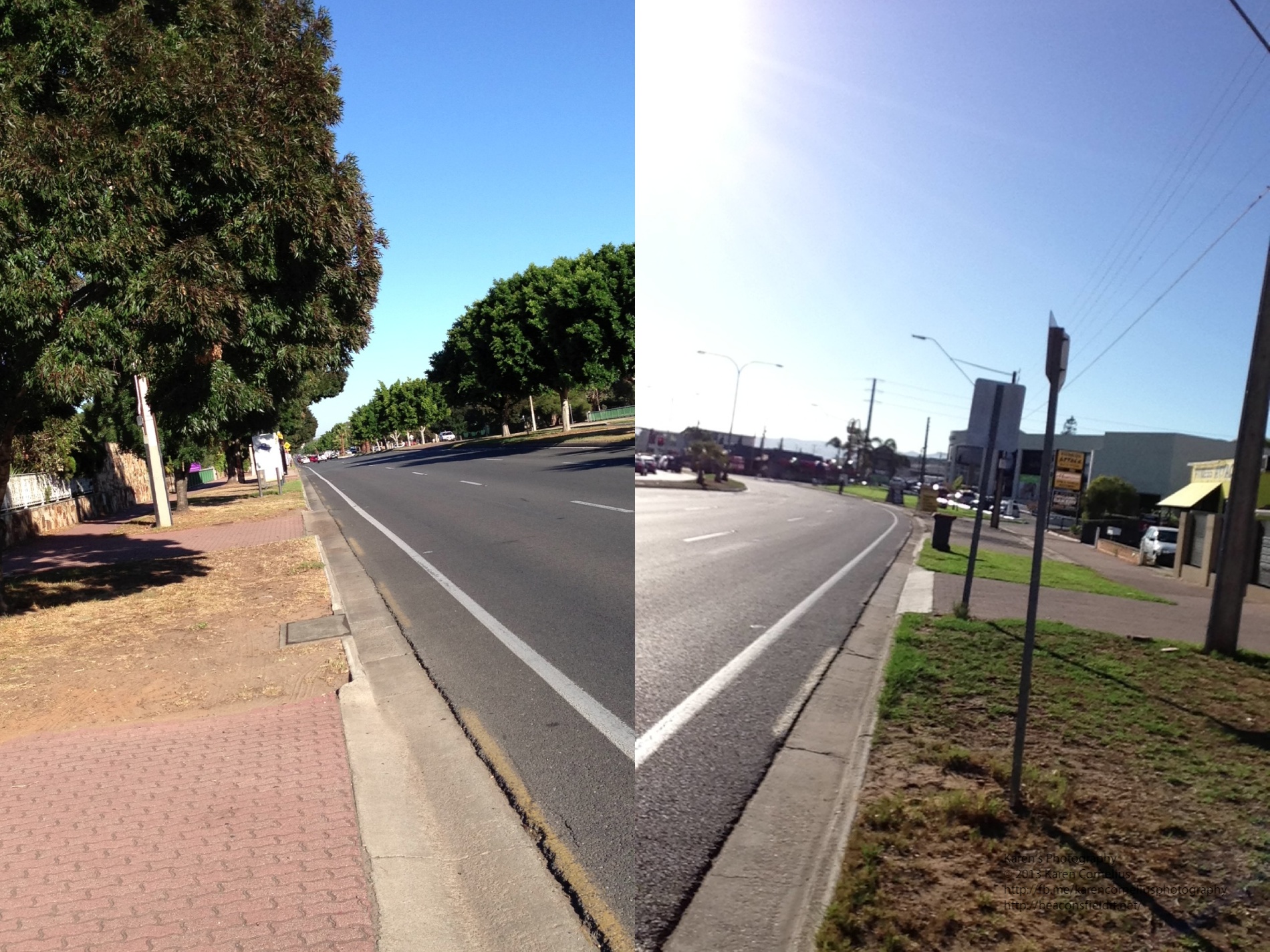
 Anyway, the story is … when you click the ‘camera’ button the app takes a shot of both sides of the phone. Next time you click the camera button it starts when it finished the time before. So, what I finally worked out is that if i didn’t want to be in every photo (first or second image), I needed to stand to one side.
Some clever effects, a novelty app, probably not my ‘top of the pops’!!
Some examples …
Anyway, the story is … when you click the ‘camera’ button the app takes a shot of both sides of the phone. Next time you click the camera button it starts when it finished the time before. So, what I finally worked out is that if i didn’t want to be in every photo (first or second image), I needed to stand to one side.
Some clever effects, a novelty app, probably not my ‘top of the pops’!!
Some examples …


 Relatively straight forward, one clicks an image and then uses a slider to decide on the intensity of the blacklight overall, as well as in the red, blue and green channels. Playing with the channels definitely creates some extreme colour shifts.
Access to your Camera Roll is seamless. There are no options for sharing or linking to other apps. Simple and straight forward. If you want a fluro or neon effect – this is for you.
Here are some examples from my neighbourhood …
Relatively straight forward, one clicks an image and then uses a slider to decide on the intensity of the blacklight overall, as well as in the red, blue and green channels. Playing with the channels definitely creates some extreme colour shifts.
Access to your Camera Roll is seamless. There are no options for sharing or linking to other apps. Simple and straight forward. If you want a fluro or neon effect – this is for you.
Here are some examples from my neighbourhood …




You must be logged in to post a comment.