Wood Camera is an odd name for a photography app. Made by Bright Mango (that’s a more appealing name I think!)
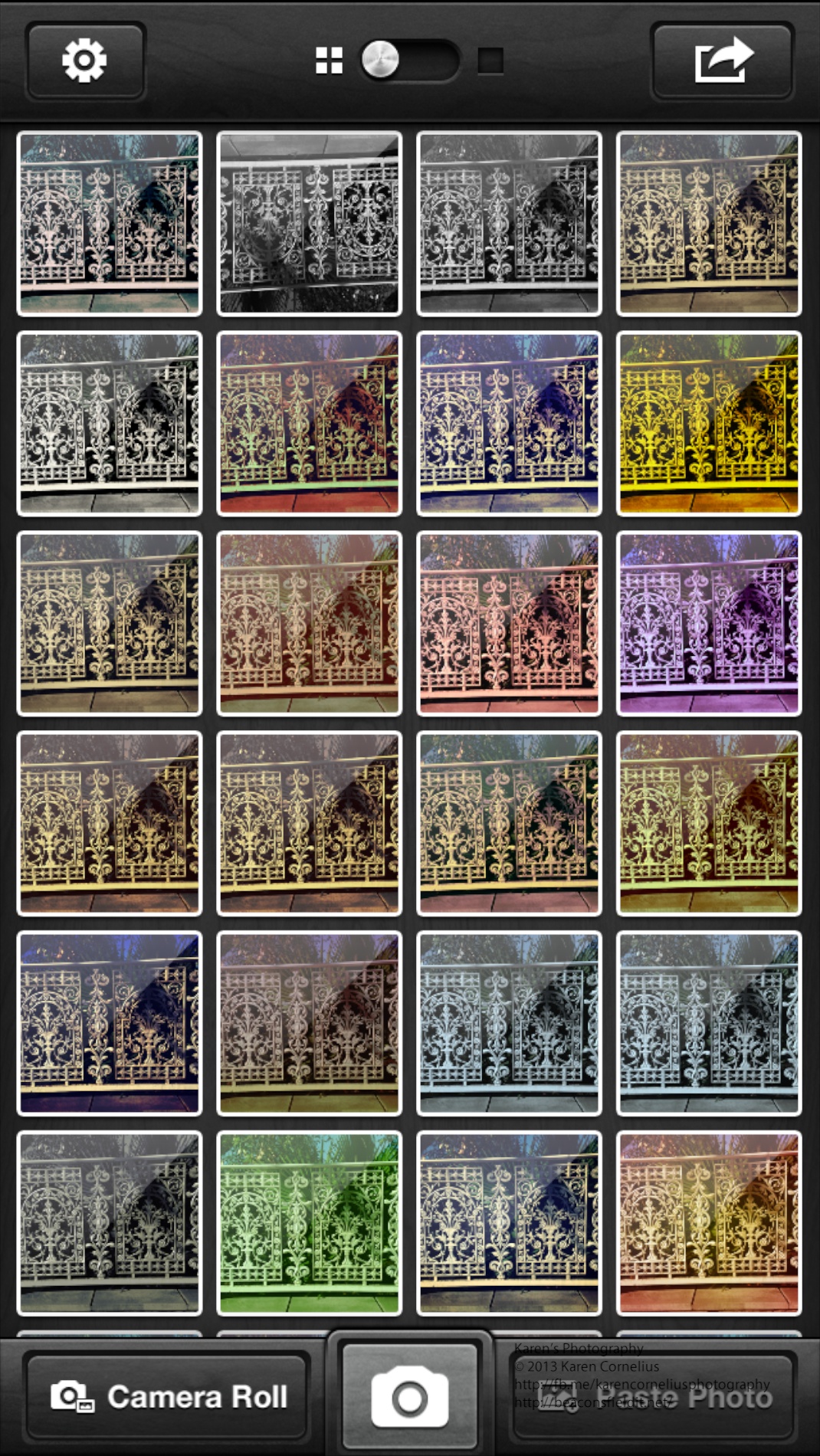
Anyway this is a simple app, with lots of filters (25++) and subtle changes in effect. Here are a set of images showing the variations in colours that are possible.
Frankly I think these effects can be achieved more effectively and flexibly in other apps reviewed to date – Luminance and CameraFX are just 2 that offer more options and sliders for adjusting effects.
The gallery screen is pretty when one systematically loads up a photo with every possible filter used …
The Share button only works with single images … mmmm. That means each image has to be individually shared. There are also options to email, Twitter, Facebook, Flickr, Instagram and DropBox the image.
Geotagging is available in the Settings button. If you’re going to use this camera app go straight to the Settings button and turn on ‘Save to Camera Roll’ to save yourself the laborious task of individually saving them there!
That’s it for this edition. Enjoy Wood Camera and hopefully I will see you next time!
Thanks for stopping by!
Shake-it-Photo is a cute novelty app. It emulates a Polaroid camera – sounding like one, requiring that one dry off the image (have to shake the phone to develop the image, just like you may wave the polaroid to dry it) and looking authentically ‘polaroid’ once developed.
The camera is straight forward to use – offering the usual camera icon for the snap, flash on/off and the option to take a self portrait if required.
Out of ‘shoot mode’ there is an option to ‘share’ with faceBook or email or to access your camera roll to take in photos to ‘shake’.
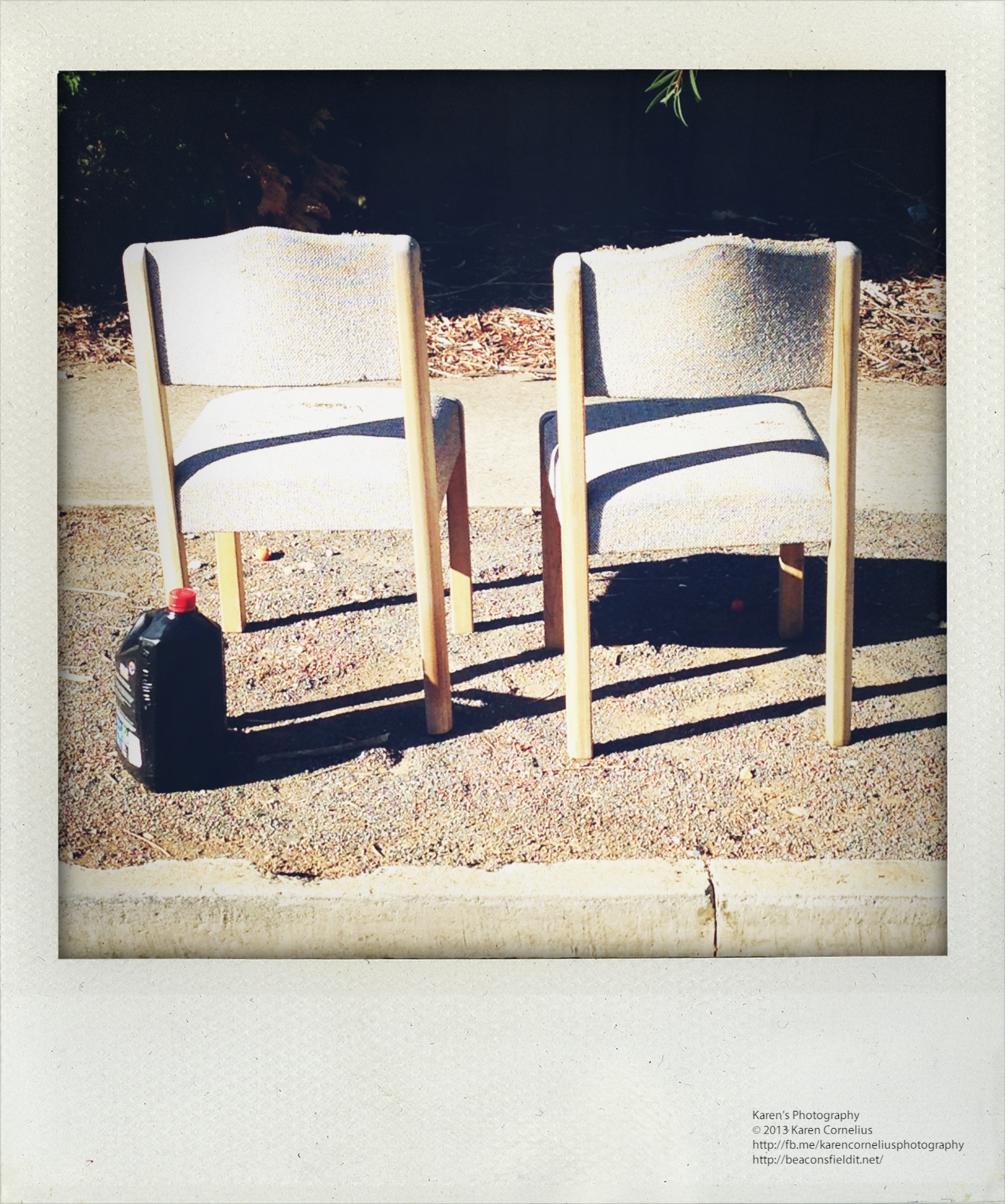
Here’s an example of one re-worked …
Here is a set taken out for my usual morning walk with Ruby …
Not the most exciting or flexible app reviewed to date, but certainly novel and quick and easy fun. Give it a go!
That’s it for today, enjoy Shake-it-Photo and hopefully I will see you tomorrow!
Thanks for coming over!!
Yep – fell in love with this app. first use and WOW!! A gem!
Three simple options on the opening screen – library, camera and settings (where there is the option for high resolution – oops, just found that! As well as FaceBook and Twitter connections). Nice big, clear DONE button at the top of the screen.
Love the Gallery button – cute display, pictures hanging on a peg over the developing tray!!
Once in the camera, one can turn the flash on/off, select a photo from the library or take a shot. There are then 20 filter effects fo choose from – all interesting, easy to use on a slider and able to be adjusted for contrast, enhancement, framing and rotation.
Just terrific!! Here’s my first samples …
That’s it for today, enjoy CameraFX and hopefully I will see you tomorrow!
Thanks for coming over!
Hipatamatic is a funky little retro app that provides square images with a neat border.
The app opens as a camera – front (above) or back. One can purchase additional films/filters/effects
There is an option to establish a Hipstaccount that lets you enter competitions, order prints and other ‘nifty things’ in the Hipsta online environment. One can also connect to FaceBook, Twitter, Instagram, Tumblr and/or Flickr.
The filter selection system is more complex than other apps. One changes the film and lens to create a different effect. This makes impromptu decision making about image effects a lityle more challenging. Some of the images in this set were subjected to the ‘shake the camera to change the effect’ idea – randomises the outcome with some interesting results.
Here’s some results …
That’s it for today, enjoy Hipstamatic and hopefully I will see you tomorrow!
Thanks for coming over!


 The camera is straight forward to use – offering the usual camera icon for the snap, flash on/off and the option to take a self portrait if required.
Out of ‘shoot mode’ there is an option to ‘share’ with faceBook or email or to access your camera roll to take in photos to ‘shake’.
Here’s an example of one re-worked …
The camera is straight forward to use – offering the usual camera icon for the snap, flash on/off and the option to take a self portrait if required.
Out of ‘shoot mode’ there is an option to ‘share’ with faceBook or email or to access your camera roll to take in photos to ‘shake’.
Here’s an example of one re-worked …
 Here is a set taken out for my usual morning walk with Ruby …





 Hipatamatic is a funky little retro app that provides square images with a neat border.
The app opens as a camera – front (above) or back. One can purchase additional films/filters/effects
There is an option to establish a Hipstaccount that lets you enter competitions, order prints and other ‘nifty things’ in the Hipsta online environment. One can also connect to FaceBook, Twitter, Instagram, Tumblr and/or Flickr.
The filter selection system is more complex than other apps. One changes the film and lens to create a different effect. This makes impromptu decision making about image effects a lityle more challenging. Some of the images in this set were subjected to the ‘shake the camera to change the effect’ idea – randomises the outcome with some interesting results.
Here’s some results …
Hipatamatic is a funky little retro app that provides square images with a neat border.
The app opens as a camera – front (above) or back. One can purchase additional films/filters/effects
There is an option to establish a Hipstaccount that lets you enter competitions, order prints and other ‘nifty things’ in the Hipsta online environment. One can also connect to FaceBook, Twitter, Instagram, Tumblr and/or Flickr.
The filter selection system is more complex than other apps. One changes the film and lens to create a different effect. This makes impromptu decision making about image effects a lityle more challenging. Some of the images in this set were subjected to the ‘shake the camera to change the effect’ idea – randomises the outcome with some interesting results.
Here’s some results …



You must be logged in to post a comment.