 Straight forward and effective. Magic Shot opens the camera. Flash and camera reversal buttons at the top, filter choices, settings button, effects and gallery access buttons at the bottom.
The Edit button opens Camera Roll or the Gallery. Remember to flip on the auto save to Camera Roll button – much easier for retrieving files off your phone. Gallery accesses the in app images.
The Button with 2 arrows up from it opens this screen and provides access to a range of sharing options.
Straight forward and effective. Magic Shot opens the camera. Flash and camera reversal buttons at the top, filter choices, settings button, effects and gallery access buttons at the bottom.
The Edit button opens Camera Roll or the Gallery. Remember to flip on the auto save to Camera Roll button – much easier for retrieving files off your phone. Gallery accesses the in app images.
The Button with 2 arrows up from it opens this screen and provides access to a range of sharing options.
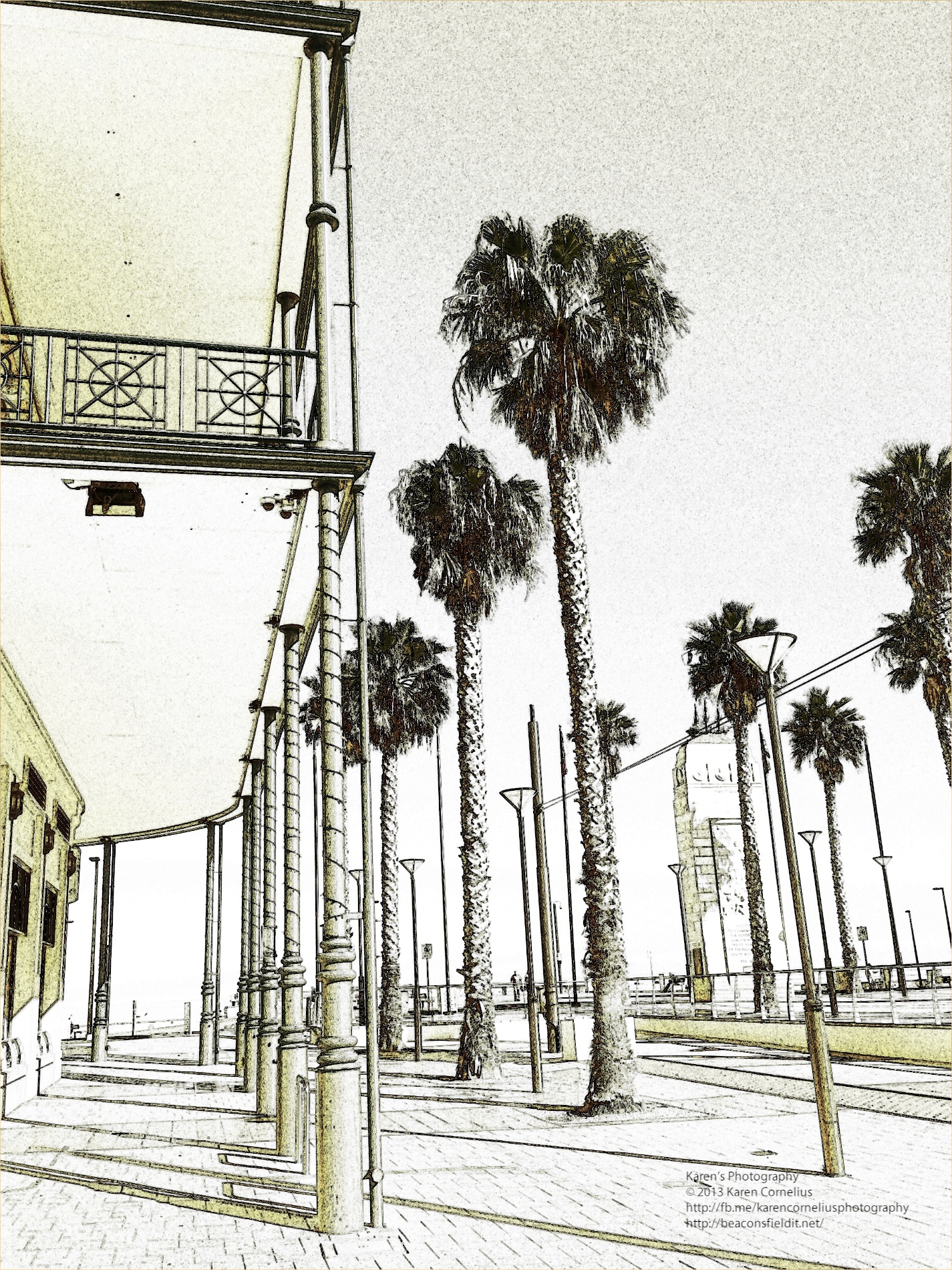
 I started with this image …
 and played with the options. Love the way you see the effect in action as you take a photo, no delays while you snap and swap filters. No processing delays either – its quick!
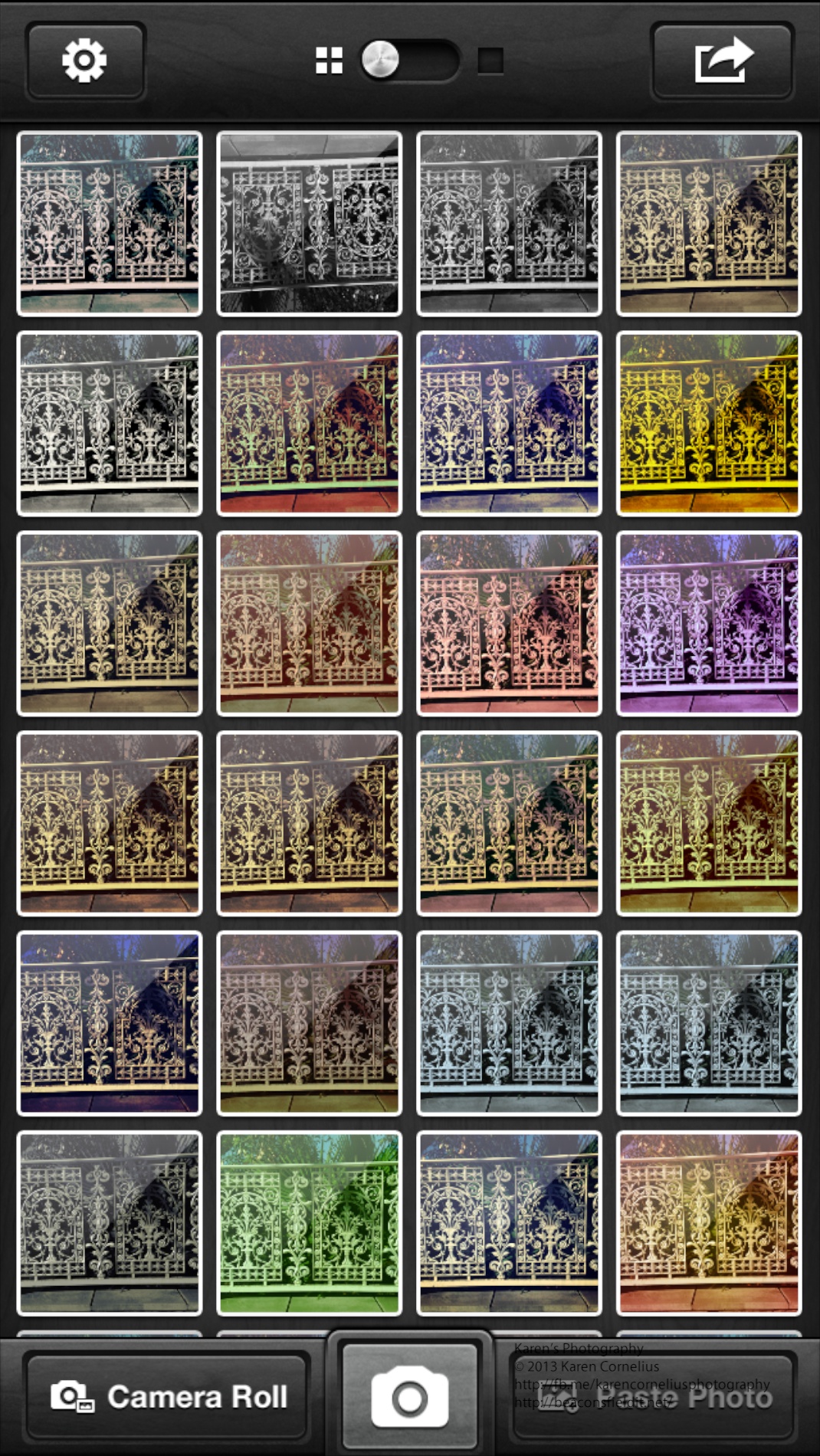
This is what a range of the filters look like …
and played with the options. Love the way you see the effect in action as you take a photo, no delays while you snap and swap filters. No processing delays either – its quick!
This is what a range of the filters look like …








You must be logged in to post a comment.