So welcome to the first AppsApril app, Instagram. An obvious place to start I know, but I did wonder if people knew about all the extra Insta..apps that are available.
Here’s a screen shot of my Instagram folder …

I have used Instagram extensively at times – KarenClicks is my tag if you’re interested.
Last year at the Australian Primary Principals Association national conference Master School Portraits ran an Instagram competition for the best ‘essence of conference’ image.
I won an iPad with this one …

Pretty chuffed I was!!!! Leaders outside the Melbourne Convention Centre, enjoying the sunshine.
I enjoyed this one ‘Networking’ too …

Anyway – back to Instagram – there are various collage and frames apps. Here’s an example of using the Collage app …

It comes with a range of shapes, frames and options.
A new addition to my Instagram family is the Travelgram app. This one tags images in locations and allows you to collect and group images around different locations, ideal for travelling obviously!! I plan to give it a go on my next vacations – Normanville, Banrock Station, Sydney to see the Dalai Lama and of course my 2 year posting to the British International School in Phuket!!
The last news for today is that there is also a My Followers app that tracks activity on Instagram. It will tell you who is following you, who you are following, what the reciprocal relationships are, if anyone has blocked you, who your fans are and who comments the most. Interesting data process. Bit like being able to check out your stats in FaceBook!
That’s it for today, enjoy Instagram and hopefully I’ll see you tomorrow!! Thanks for coming over!!

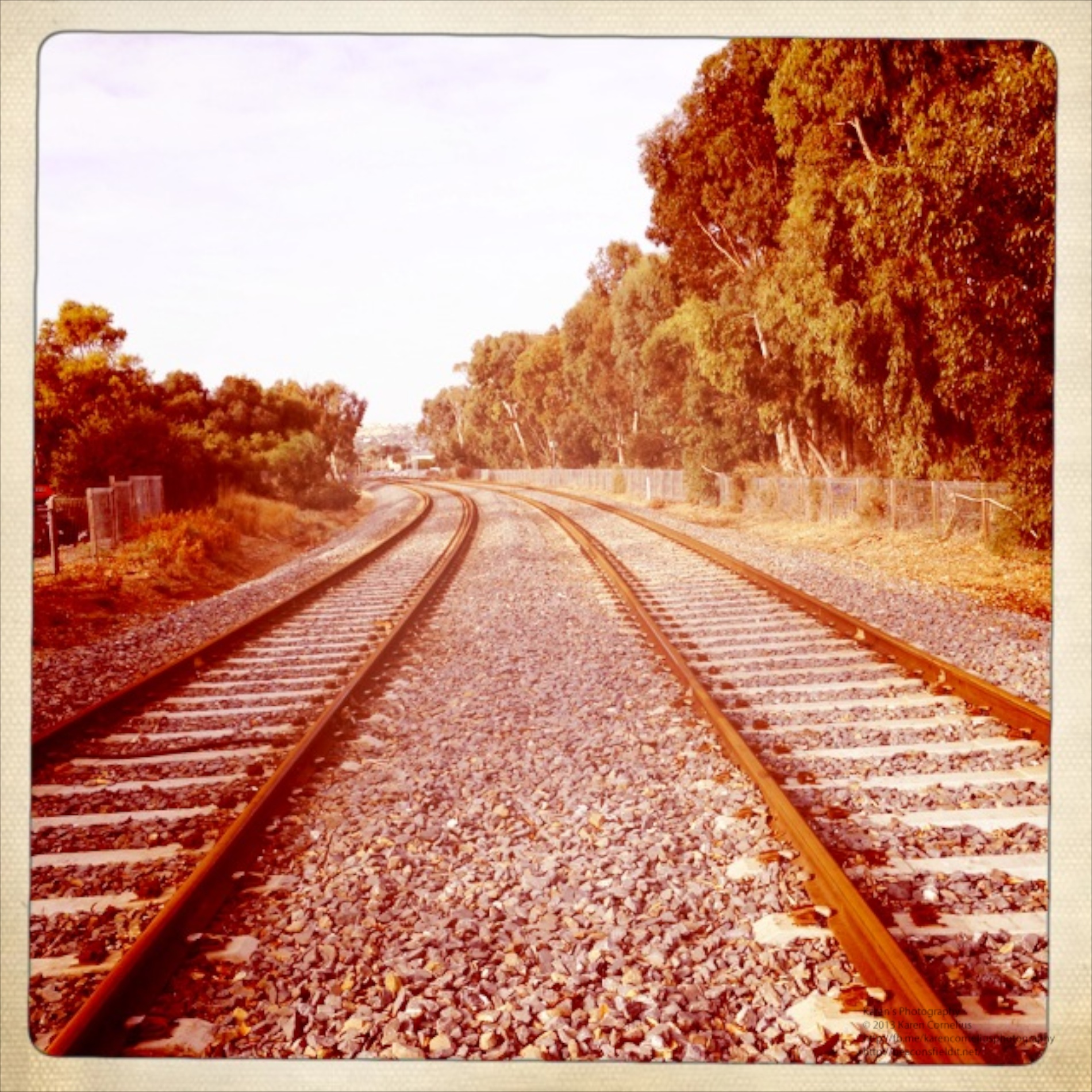
 Hipatamatic is a funky little retro app that provides square images with a neat border.
The app opens as a camera – front (above) or back. One can purchase additional films/filters/effects
There is an option to establish a Hipstaccount that lets you enter competitions, order prints and other ‘nifty things’ in the Hipsta online environment. One can also connect to FaceBook, Twitter, Instagram, Tumblr and/or Flickr.
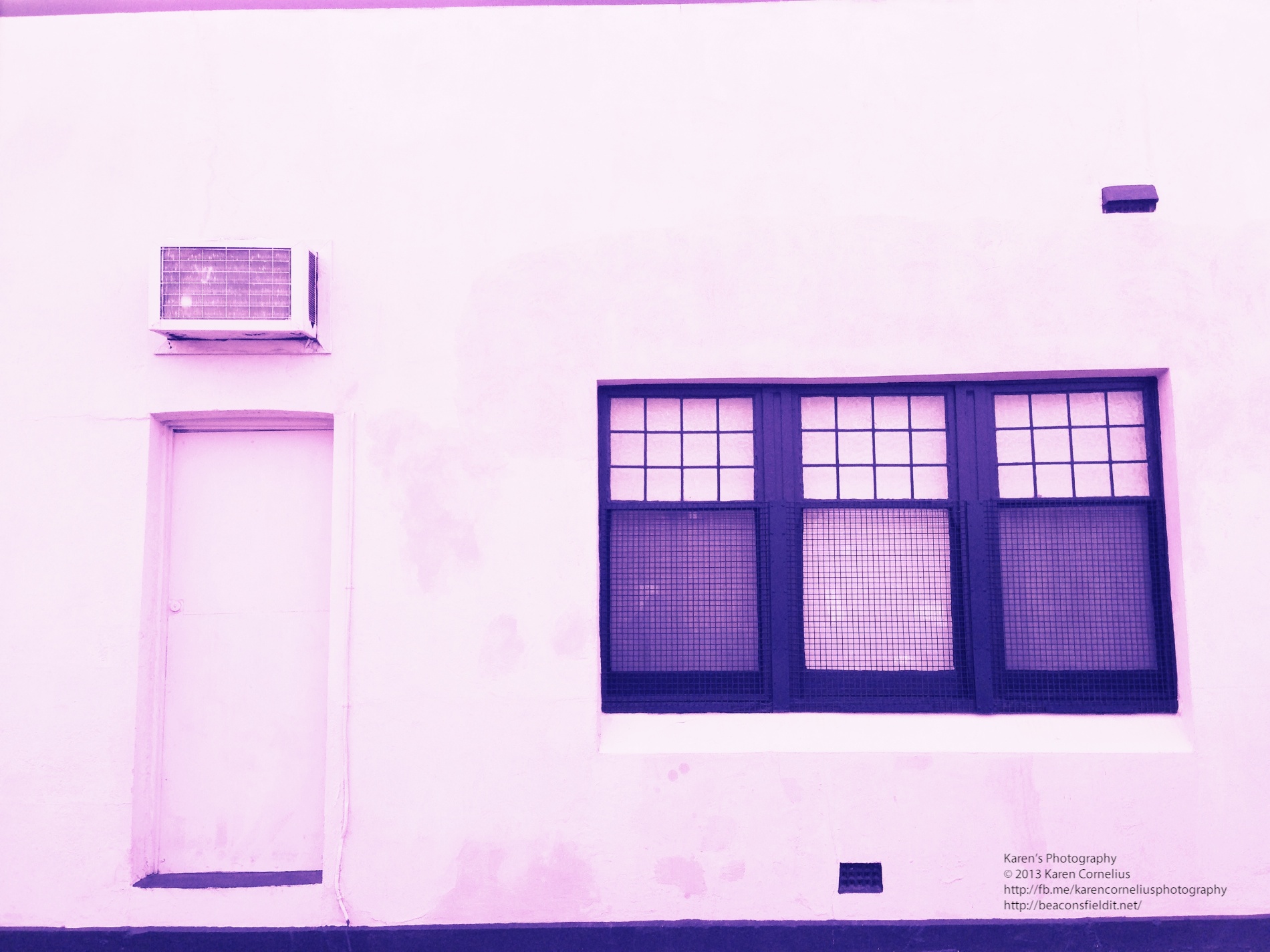
The filter selection system is more complex than other apps. One changes the film and lens to create a different effect. This makes impromptu decision making about image effects a lityle more challenging. Some of the images in this set were subjected to the ‘shake the camera to change the effect’ idea – randomises the outcome with some interesting results.
Here’s some results …
Hipatamatic is a funky little retro app that provides square images with a neat border.
The app opens as a camera – front (above) or back. One can purchase additional films/filters/effects
There is an option to establish a Hipstaccount that lets you enter competitions, order prints and other ‘nifty things’ in the Hipsta online environment. One can also connect to FaceBook, Twitter, Instagram, Tumblr and/or Flickr.
The filter selection system is more complex than other apps. One changes the film and lens to create a different effect. This makes impromptu decision making about image effects a lityle more challenging. Some of the images in this set were subjected to the ‘shake the camera to change the effect’ idea – randomises the outcome with some interesting results.
Here’s some results …






You must be logged in to post a comment.