


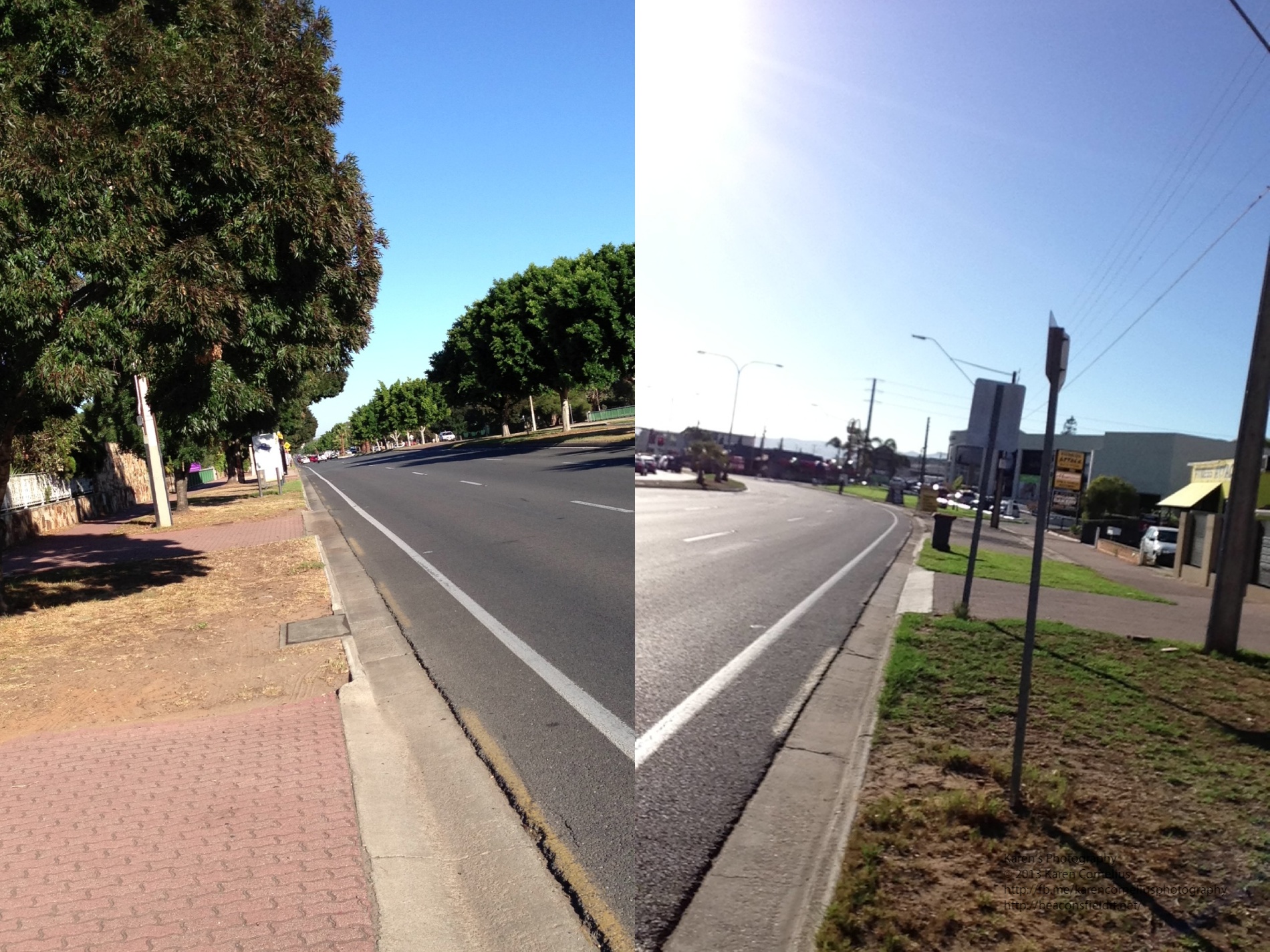
 Anyway, the story is … when you click the ‘camera’ button the app takes a shot of both sides of the phone. Next time you click the camera button it starts when it finished the time before. So, what I finally worked out is that if i didn’t want to be in every photo (first or second image), I needed to stand to one side.
Some clever effects, a novelty app, probably not my ‘top of the pops’!!
Some examples …
Anyway, the story is … when you click the ‘camera’ button the app takes a shot of both sides of the phone. Next time you click the camera button it starts when it finished the time before. So, what I finally worked out is that if i didn’t want to be in every photo (first or second image), I needed to stand to one side.
Some clever effects, a novelty app, probably not my ‘top of the pops’!!
Some examples …


 Hipatamatic is a funky little retro app that provides square images with a neat border.
The app opens as a camera – front (above) or back. One can purchase additional films/filters/effects
There is an option to establish a Hipstaccount that lets you enter competitions, order prints and other ‘nifty things’ in the Hipsta online environment. One can also connect to FaceBook, Twitter, Instagram, Tumblr and/or Flickr.
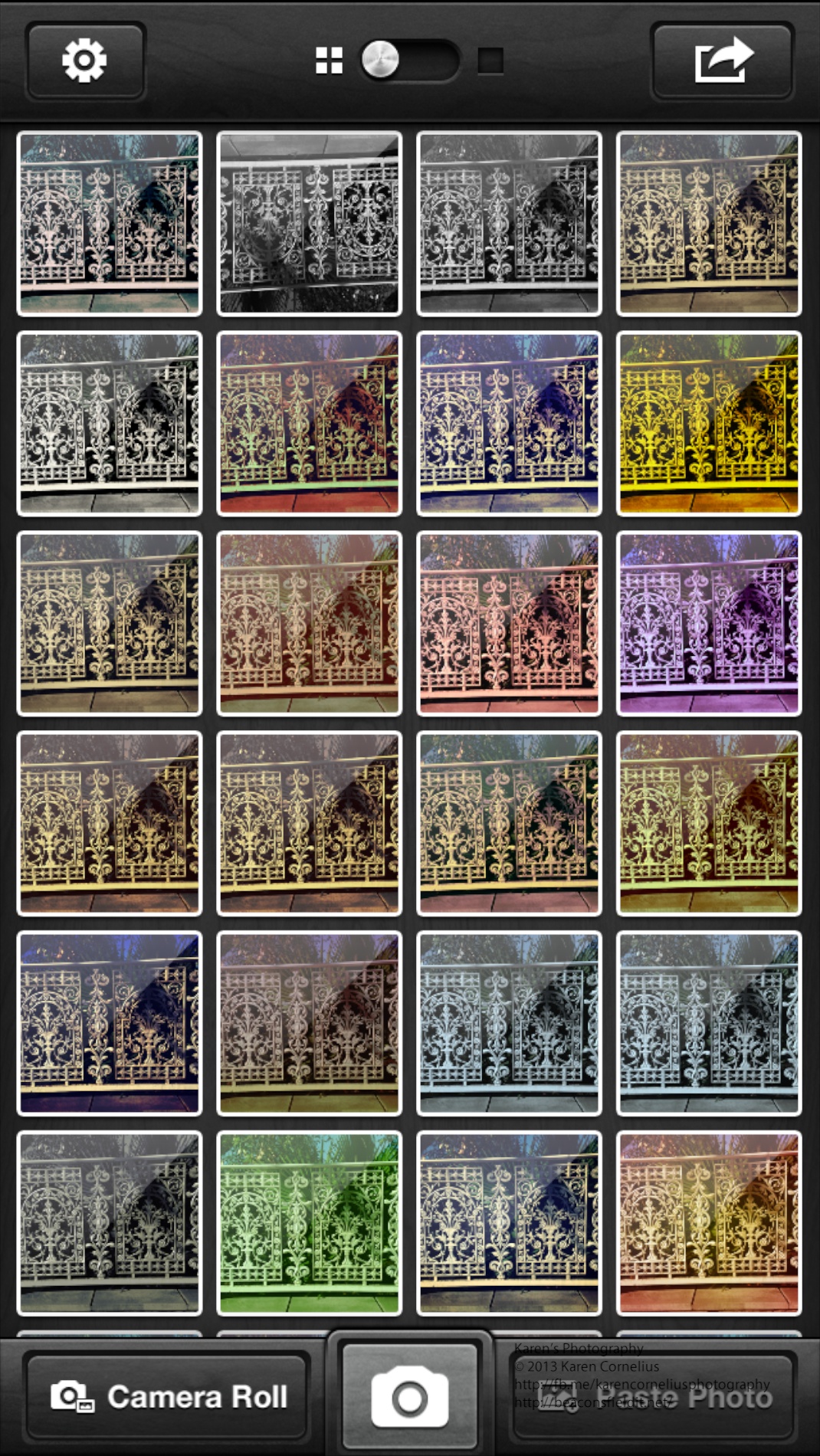
The filter selection system is more complex than other apps. One changes the film and lens to create a different effect. This makes impromptu decision making about image effects a lityle more challenging. Some of the images in this set were subjected to the ‘shake the camera to change the effect’ idea – randomises the outcome with some interesting results.
Here’s some results …
Hipatamatic is a funky little retro app that provides square images with a neat border.
The app opens as a camera – front (above) or back. One can purchase additional films/filters/effects
There is an option to establish a Hipstaccount that lets you enter competitions, order prints and other ‘nifty things’ in the Hipsta online environment. One can also connect to FaceBook, Twitter, Instagram, Tumblr and/or Flickr.
The filter selection system is more complex than other apps. One changes the film and lens to create a different effect. This makes impromptu decision making about image effects a lityle more challenging. Some of the images in this set were subjected to the ‘shake the camera to change the effect’ idea – randomises the outcome with some interesting results.
Here’s some results …



You must be logged in to post a comment.