 I have added InstaFilters to my Instagram folder – it shares into Instagram (and others), integrating simply. Opening screen (above) is simple and elegant.
There are 30+ filters and effects in the app. Quite a range!
Filters are easy to use …
I have added InstaFilters to my Instagram folder – it shares into Instagram (and others), integrating simply. Opening screen (above) is simple and elegant.
There are 30+ filters and effects in the app. Quite a range!
Filters are easy to use …


 I have added InstaFilters to my Instagram folder – it shares into Instagram (and others), integrating simply. Opening screen (above) is simple and elegant.
There are 30+ filters and effects in the app. Quite a range!
Filters are easy to use …
I have added InstaFilters to my Instagram folder – it shares into Instagram (and others), integrating simply. Opening screen (above) is simple and elegant.
There are 30+ filters and effects in the app. Quite a range!
Filters are easy to use …

 There are options to edit photos, choose from the gallery, collage and capture. Choosing to go into the camera one is given options to colour splash, panorama, face time, tilt shift or magic shot. Settings enable one to add date, auto review, touch, face tracking, grid and resolution management.
Sharing is also straight forward …
There are options to edit photos, choose from the gallery, collage and capture. Choosing to go into the camera one is given options to colour splash, panorama, face time, tilt shift or magic shot. Settings enable one to add date, auto review, touch, face tracking, grid and resolution management.
Sharing is also straight forward …
 The range of effects is quite astonishing, certainly a wide variety!!!
Original image …
The range of effects is quite astonishing, certainly a wide variety!!!
Original image …  See a few here …


 Another interesting app – novel and easy to use! The opening screen of Flip-O-Matic is simple and the options in settings as follows …
 The effects are fascinating. Some examples …


 So, my opinion? Easy to use, novel and cute. Probably come to it again. Worth exploring!
Thanks for coming by.
Please leave feedback in the comments box below and sign up for my Blog updates – thanks!!
So, my opinion? Easy to use, novel and cute. Probably come to it again. Worth exploring!
Thanks for coming by.
Please leave feedback in the comments box below and sign up for my Blog updates – thanks!!
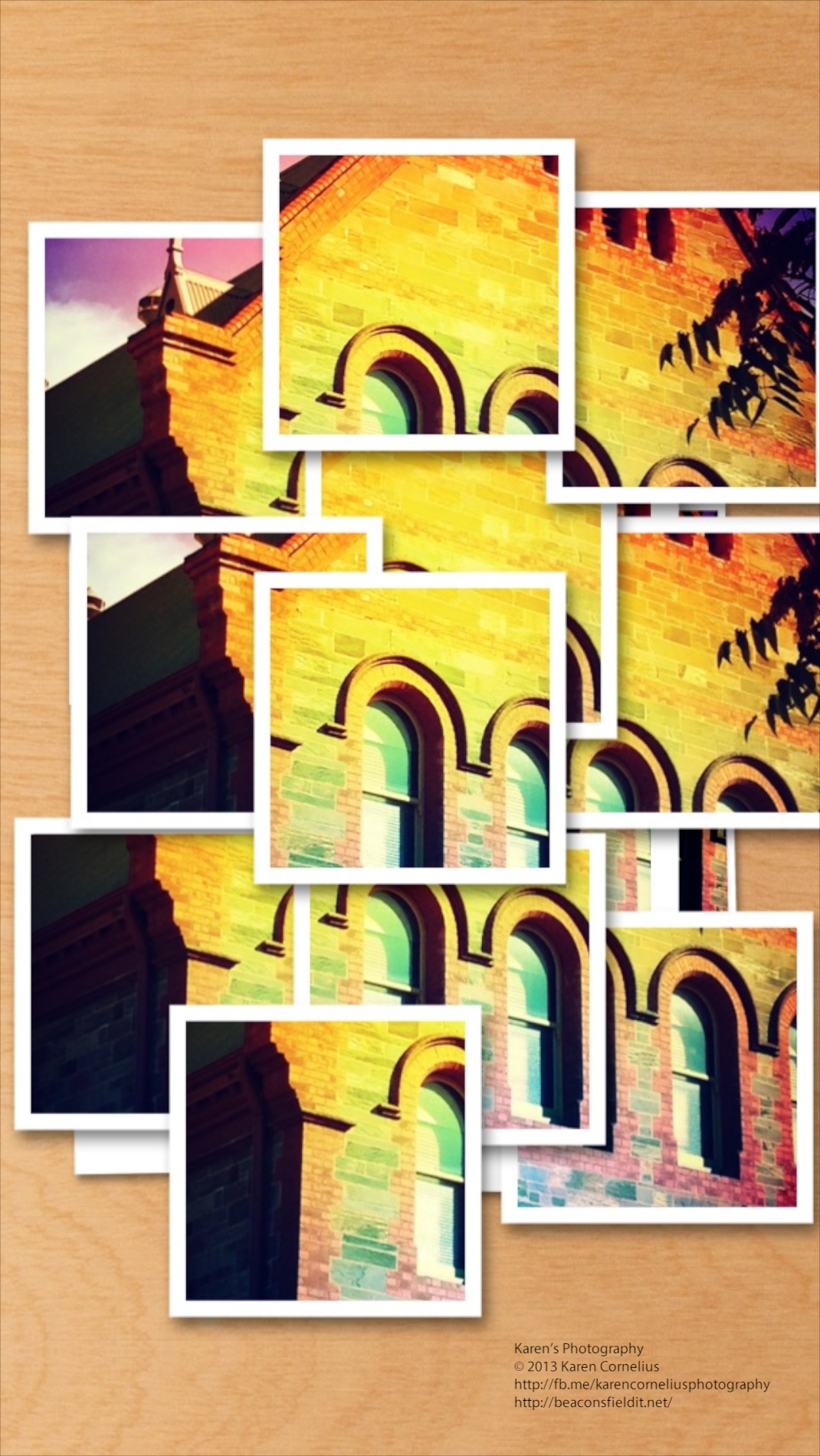
 If you enjoy joiners and nifty effects, this app might appeal to you!
Opening screen (after selecting a photo to play with) …
If you enjoy joiners and nifty effects, this app might appeal to you!
Opening screen (after selecting a photo to play with) …
 Provides straight forward choices …
 Next one fiddles with the settings from buttons that pop out…
 The effects are interesting. Some examples …


 So, overall, a fun, relatively intuitive app with some novel effects. Worth a play I say!
Great to have you here, catch you next time!
PS: Remember that if you comment you can subscribe to my Blog and get updates each time I post!
So, overall, a fun, relatively intuitive app with some novel effects. Worth a play I say!
Great to have you here, catch you next time!
PS: Remember that if you comment you can subscribe to my Blog and get updates each time I post!

 PhotoMagic is one of many apps I have filed in a folder labelled ‘editing’ and not opened since purchasing. Bit of a pity in this app’s case, because it is pretty cool – I like it!
Love the easy opening screen – take or load a photo, how easy is that??
Once you’ve managed that, the screen looks like this (Isn’t Smokey gorgeous!) …
PhotoMagic is one of many apps I have filed in a folder labelled ‘editing’ and not opened since purchasing. Bit of a pity in this app’s case, because it is pretty cool – I like it!
Love the easy opening screen – take or load a photo, how easy is that??
Once you’ve managed that, the screen looks like this (Isn’t Smokey gorgeous!) …
 Forty+ filter/colour/effect options, ability to play with exposure, cropping, saturation etc. Some examples …


 Overall – a great app, easy to use and if you’ve not already filled your screen with apps – one to consider!! Just out on iPad too – that’s worth checking out!
Thanks for stopping by, catch ya soon!
Overall – a great app, easy to use and if you’ve not already filled your screen with apps – one to consider!! Just out on iPad too – that’s worth checking out!
Thanks for stopping by, catch ya soon!
You must be logged in to post a comment.