Tag: photography app review

  • AppsApril#25 Fisheye

    AppsApril#25 Fisheye

    Another Fisheye app today – and ‘Mmmmm’!! The interface is not at all intuitive, I kept finding myself where I didn’t expect to be.  Given that I am looking at a new app every day, you’d think I’d be finding it pretty easy now! One can drag the image inside the fisheye effect, for different views … There are limited options unless one parts with additional cash to buy the ‘premium’ services. Two other re-worked images made ‘fish-eyed’ … They work okay, but I think the InstaFisheye app is a better arrangement, even if only because it is an Instagram family member (see AppsApril#19 for more info). ‘Save your cash’ is my vote today. Hope to see you back again! Catch ya tomorrow! PS – Remember if you make a comment on one of my entries, you have the option to subscribe to my blog!!      
  • AppsApril#16 Sketch Me

    AppsApril#16 Sketch Me

    Sketch me is one of a number of drawing effect apps I own.  Its a new purchase from BlueBear apps. Photos are changed into drawings very easily, with 8 options for different effects.  One you’ve selected an effect there are colouring options, an eraser and paint brushes to enhance the image. I quite like the ‘split screen’ option – means that you can track the impact of the choices you make along the way. Some examples starting with this image … IMG_0991   The range of effects look like this … I am not sure that I am ‘sold’ on the idea of turning my photos into drawings.  If it’s your thing, this app has choices and is easy to use, worth a peep! Thanks for reading this review, hope you found it useful! Check you tomorrow!    
  • AppsApril#12 Photocat

    AppsApril#12 Photocat

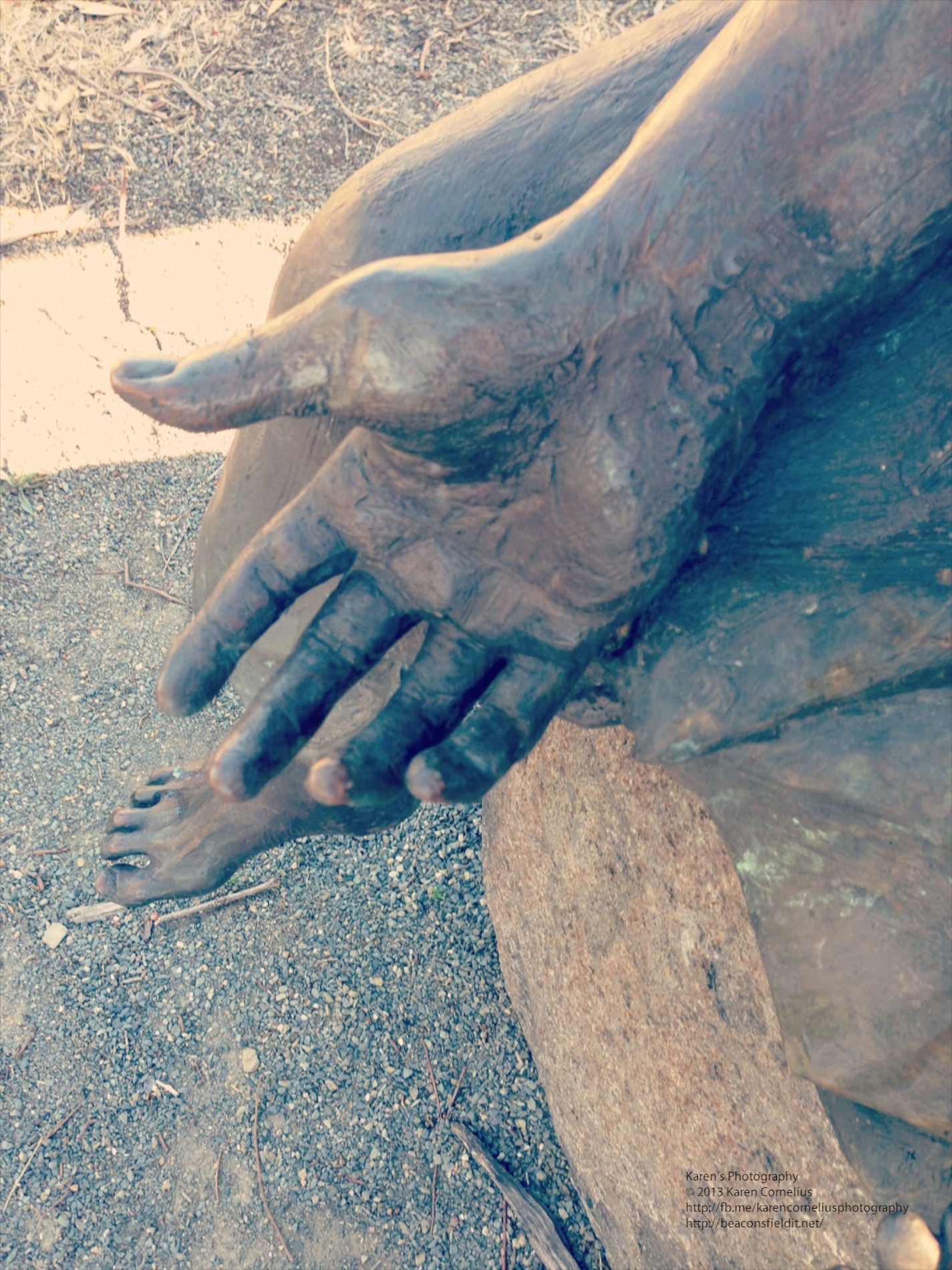
    Photocat is a funky looking new photography app. Home screen is cute, easy to use and easy to see in bright sunlight … IMG_0979   The ‘edit’ button allows one to pick up previous images from the camera roll and other collections. The ‘collage’ button allows up to 9 images from the camera roll (+) to be selected and collaged. The FX camera has 10 filters to add to images snapped.  My examples from Colebrook Park (memorial to Aboriginal children taken from their families and homes up until the late 1970s) … A range of filters were applied and I am impressed by the quality.  One can set ‘high resolution’ in the settings section – a good idea before one goes shooting. I love Instagram and its extras – the only thing Photocat doesn’t have (all in one app, rather than 4!!) is the ability to post to Instagram.  Mind you, FaceBook, Twitter and flickr can all be enabled (settings area again). An ‘element store’ button enable the purchase of classic frames, fantast frames, collage frames, collage backgrounds and effects.  With these installed one would find Photocat rivals the Instagram family! Overall – love this one, another keeper!! That’s it for this review, enjoy Photocat and hopefully I will see you tomorrow! Thanks for coming over!!