Tag: app review

  • AppsApril#27 PhotoSlice

    AppsApril#27 PhotoSlice

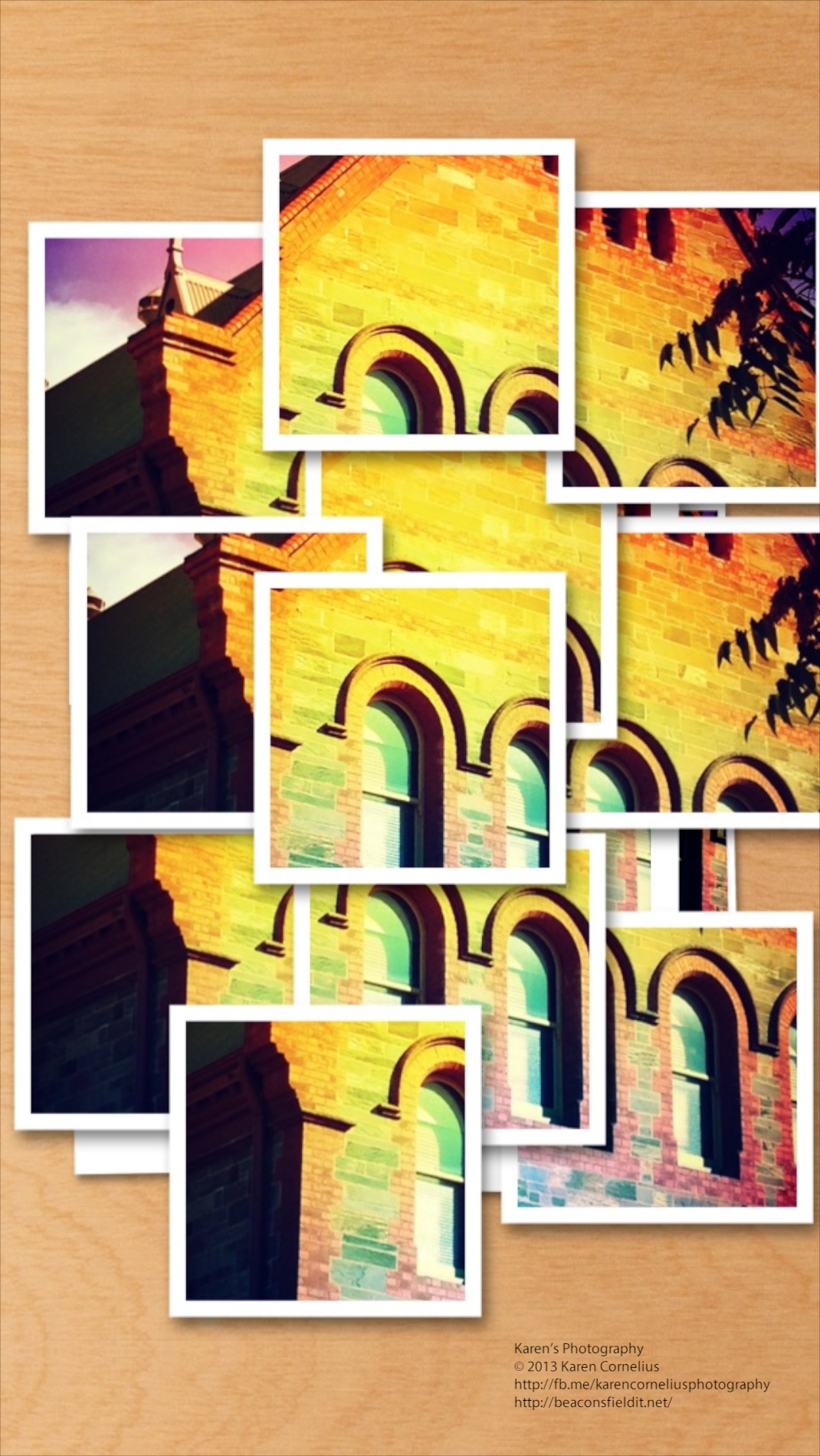
    IMG_1588If you enjoy joiners and nifty effects, this app might appeal to you! Opening screen (after selecting a photo to play with) … IMG_1583   Provides straight forward choices …IMG_1585   Next one fiddles with the settings from buttons that pop out… IMG_1593   The effects are interesting.  Some examples … And sharing looks like this … IMG_1590So, overall, a fun, relatively intuitive app with some novel effects. Worth a play I say! Great to have you here, catch you next time! PS: Remember that if you comment you can subscribe to my Blog and  get updates each time I post!  
  • AppsApril#25 Fisheye

    AppsApril#25 Fisheye

    Another Fisheye app today – and ‘Mmmmm’!! The interface is not at all intuitive, I kept finding myself where I didn’t expect to be.  Given that I am looking at a new app every day, you’d think I’d be finding it pretty easy now! One can drag the image inside the fisheye effect, for different views … There are limited options unless one parts with additional cash to buy the ‘premium’ services. Two other re-worked images made ‘fish-eyed’ … They work okay, but I think the InstaFisheye app is a better arrangement, even if only because it is an Instagram family member (see AppsApril#19 for more info). ‘Save your cash’ is my vote today. Hope to see you back again! Catch ya tomorrow! PS – Remember if you make a comment on one of my entries, you have the option to subscribe to my blog!!      
  • AppsApril#14 XnShape

    AppsApril#14 XnShape

    This was my starting image for playing with XnShape … IMG_0999   The options are to take a picture or to select one from the Camera Roll – as I did. IMG_1169   You can then apply one of 9 drawing edits to the image and access a palette of colours … IMG_1146   The result is as follows … Once you’ve selected a treatment, there are a choice of ‘Sharing’ options … IMG_1166I have to say I am not enamoured of the effects … what do you think? So, that’s it for this review, enjoy XnShape if you choose to, and hopefully I will see you next time! Thanks for coming over!  
  • AppsApril#12 Photocat

    AppsApril#12 Photocat

    Photocat is a funky looking new photography app. Home screen is cute, easy to use and easy to see in bright sunlight … IMG_0979   The ‘edit’ button allows one to pick up previous images from the camera roll and other collections. The ‘collage’ button allows up to 9 images from the camera roll (+) to be selected and collaged. The FX camera has 10 filters to add to images snapped.  My examples from Colebrook Park (memorial to Aboriginal children taken from their families and homes up until the late 1970s) … A range of filters were applied and I am impressed by the quality.  One can set ‘high resolution’ in the settings section – a good idea before one goes shooting. I love Instagram and its extras – the only thing Photocat doesn’t have (all in one app, rather than 4!!) is the ability to post to Instagram.  Mind you, FaceBook, Twitter and flickr can all be enabled (settings area again). An ‘element store’ button enable the purchase of classic frames, fantast frames, collage frames, collage backgrounds and effects.  With these installed one would find Photocat rivals the Instagram family! Overall – love this one, another keeper!! That’s it for this review, enjoy Photocat and hopefully I will see you tomorrow! Thanks for coming over!!  
  • AppsApril#10 DMD

    AppsApril#10 DMD

    DMD or Dermander is the next app under review in my AppsApril process. DMD is a panorama creating app. IMG_0978   The ‘Create’ button opens with a simple screen – HDR (additional $0.99) auto/off flash and a nifty yin and yang sign . Basically you hold the phone vertically and move the signs toward each other to create your panorama. Simple Start and Finish and its done!  Nothing particularly novel so far … The gallery looks nice … Jess 6   With geotagging, share button and notes option.  I like this!! Even better, when one goes into the photos to view them on one’s phone, the view pans across the image and back again!  Love this!!!   Just tried popping these 3 examples in as a slide show – wonder how that will work! Summary – pretty usual in most ways other than the Ken Burns/panning display effect on one’s phone.  If you don’t have an iPhone 5 with the nice panorama option built in, this may be worth considering. That’s it for this post, trust you’ll enjoy DMD and hopefully I’ll catch you next time! Thanks for coming over!