So, next cab off the rank is the Zitrr Camera. Here’s the camera screen …
There are a number of options – level (turned on in this screen shot), seven different screen set up options (including rule of thirds, diagonals, square, golden etc) and different camera types.
There are options to use the usual iPhone camera set up, video, self timer, burst, anti-shake, interval and scan. Quite a versatile range!!
White Balance can be auto or locked, and filters are switched on by ‘pulling’ a red lever. There are 12 filter options – lomo, pastel, feather, crude, intense, haze, old paper, sketch, lux, toon, poster and comic. With this range there are filters that match Vintage (AppsApril#15), Luminance (not all options, but some – AppsApril#3) and a number of the others I have reviewed so far.
The gallery set up is straight forward …
Settings enable location identification, volume on the shutter, sounds, and back up and sharing choices.
I stayed in bed and checked out what Zitrr could do from my view point there …
Some zany effects!! The wardrobe never looked so interesting!!
I also took the opportunity to capture Cayleigh Cat – asleep on my bed and enjoying the opportunity to ‘lie in’!
She is an active sleeper (in fact pushes me across the bed at night!). Cute but!! Some vintage and drawing effects feature here.
Overall – I think this is a pretty handy app – not my favourite, but useful and intuitive to handle. Give it a go I’d say.
So that’s it for this review, thanks for reading it!!
Catch ya next time!
PowerSketch was my first drawing app. By Wondershare, 2012, there is also a PowerCam and Panorama camera app in the set.
Opening screen …
Straight forward and effective. Magic Shot opens the camera. Flash and camera reversal buttons at the top, filter choices, settings button, effects and gallery access buttons at the bottom.
The Edit button opens Camera Roll or the Gallery. Remember to flip on the auto save to Camera Roll button – much easier for retrieving files off your phone. Gallery accesses the in app images.
The Button with 2 arrows up from it opens this screen and provides access to a range of sharing options.
I started with this image …
and played with the options. Love the way you see the effect in action as you take a photo, no delays while you snap and swap filters. No processing delays either – its quick!
This is what a range of the filters look like …
Fun!
There is also a PIP filter – picture in picture – that inserts a hand holding a square that holds the effect selected (remainder of photo is as per the original image). For some strange reason you cannot do this to camera roll photos. Not sure what the issue is there, but it is a neat effect – worth testing out.
The verdict – better than SketchMe in my opinion, and if you like drawing effects – a bit of fun!!
Thanks for visiting and reading this review – hope to see you again tomorrow!! Cheers!
I took Ruby for a walk at the Victoria Park race course site on Sunday. For those that don’t know, this was a horse racing track and is situated in our parkland green belt around the city of Adelaide. There is a fiercely protective parks lands group who ensure that there is no new permanent development in the green belt. Adelaide hosts the Clipsal motor race annually and Victoria Park is the central hub. For 3-5 months leading up to the race temporary stands and race paraphernalia are constructed. The race occurs in late March and then for 2-3 months everything is deconstructed. This complies with the ‘no permanent structures’ agreement!
Ruby and I were lucky enough to find the gate to the stands area open and structures in various states of deconstruction – too good an opportunity for an opportunistic photographer – this is what I captured before I was asked (ever so nicely) to leave. Fun!!
Sketch me is one of a number of drawing effect apps I own. Its a new purchase from BlueBear apps.
Photos are changed into drawings very easily, with 8 options for different effects. One you’ve selected an effect there are colouring options, an eraser and paint brushes to enhance the image.
I quite like the ‘split screen’ option – means that you can track the impact of the choices you make along the way.
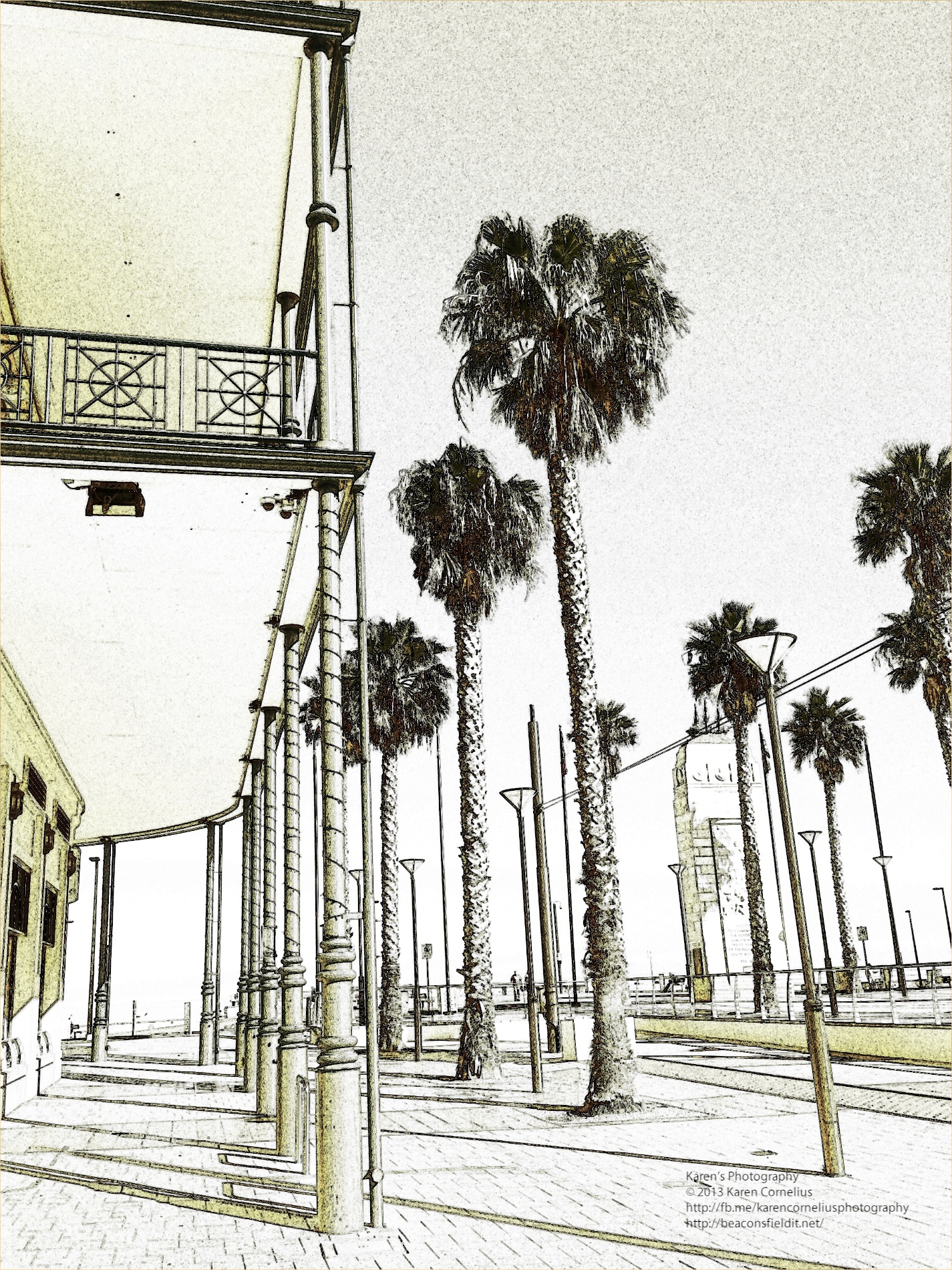
Some examples starting with this image …
The range of effects look like this …
I am not sure that I am ‘sold’ on the idea of turning my photos into drawings. If it’s your thing, this app has choices and is easy to use, worth a peep!
Thanks for reading this review, hope you found it useful! Check you tomorrow!
A really easy starting menu for this app too! Vintage camera offers 30 styles of ‘vintage scenes’, 15 sets of ‘faded times’ options and a range of antique frames and borders.
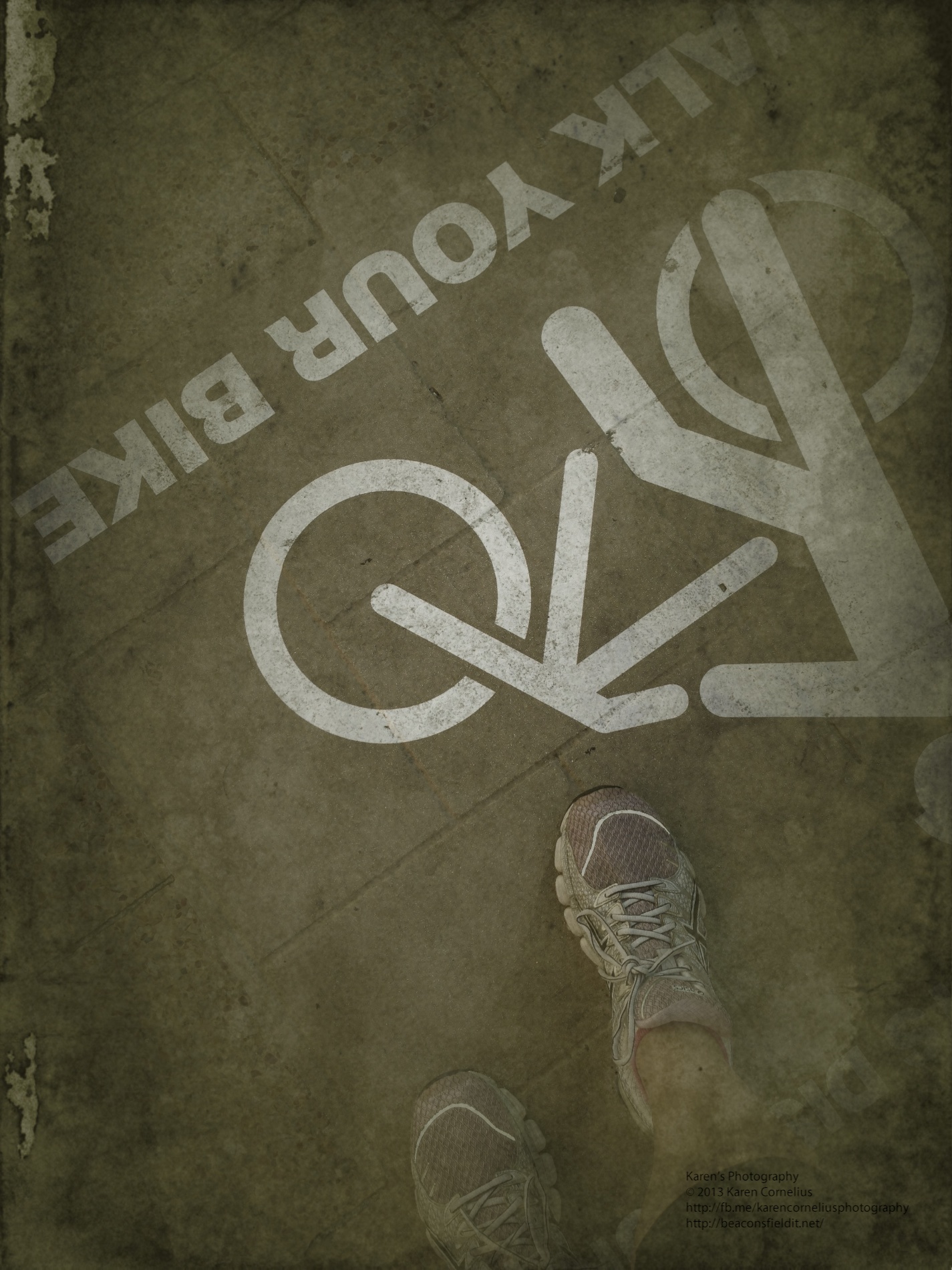
I used the images I have been collecting of my feet to produce these …
Original and 2 filters. Another example …
Instructions pop up pretty immediately …
Straight forward process. I am disappointed that the vintage effects are all VERY vintage – there is an option to manage the image age, the texture strength, the image strength, to fade the photo and enhance the image though – probably worth more exploration.
These four were particularly cute!
The share options are extensive and include the usual suspects – FaceBook, Twitter, Tumblr and Instagram.
Overall verdict? Pretty flexible and interesting, but I think I like CameraFX and PhotoCat better for options and ease of use. I’ll keep it in a folder on my photography apps page, but not busting to trot it out regularly at this stage.
Before I go … while I am on the topic of feet – I made this collage of feet images, desaturated it and saved it to camera roll, but cannot remember which app I used. It’s official, I have TOO many!!!
Thanks for checking this review, hope you found it useful. See you tomorrow?
Thanks for coming over!

 There are a number of options – level (turned on in this screen shot), seven different screen set up options (including rule of thirds, diagonals, square, golden etc) and different camera types.
There are options to use the usual iPhone camera set up, video, self timer, burst, anti-shake, interval and scan. Quite a versatile range!!
White Balance can be auto or locked, and filters are switched on by ‘pulling’ a red lever. There are 12 filter options – lomo, pastel, feather, crude, intense, haze, old paper, sketch, lux, toon, poster and comic. With this range there are filters that match Vintage (AppsApril#15), Luminance (not all options, but some – AppsApril#3) and a number of the others I have reviewed so far.
The gallery set up is straight forward …
There are a number of options – level (turned on in this screen shot), seven different screen set up options (including rule of thirds, diagonals, square, golden etc) and different camera types.
There are options to use the usual iPhone camera set up, video, self timer, burst, anti-shake, interval and scan. Quite a versatile range!!
White Balance can be auto or locked, and filters are switched on by ‘pulling’ a red lever. There are 12 filter options – lomo, pastel, feather, crude, intense, haze, old paper, sketch, lux, toon, poster and comic. With this range there are filters that match Vintage (AppsApril#15), Luminance (not all options, but some – AppsApril#3) and a number of the others I have reviewed so far.
The gallery set up is straight forward …
 Settings enable location identification, volume on the shutter, sounds, and back up and sharing choices.
I stayed in bed and checked out what Zitrr could do from my view point there …
Settings enable location identification, volume on the shutter, sounds, and back up and sharing choices.
I stayed in bed and checked out what Zitrr could do from my view point there …









You must be logged in to post a comment.