Another Fisheye app today – and ‘Mmmmm’!! The interface is not at all intuitive, I kept finding myself where I didn’t expect to be. Given that I am looking at a new app every day, you’d think I’d be finding it pretty easy now!
One can drag the image inside the fisheye effect, for different views …
There are limited options unless one parts with additional cash to buy the ‘premium’ services.
Two other re-worked images made ‘fish-eyed’ …
They work okay, but I think the InstaFisheye app is a better arrangement, even if only because it is an Instagram family member (see AppsApril#19 for more info).
‘Save your cash’ is my vote today.
Hope to see you back again! Catch ya tomorrow!
PS – Remember if you make a comment on one of my entries, you have the option to subscribe to my blog!!
DMD or Dermander is the next app under review in my AppsApril process. DMD is a panorama creating app.
The ‘Create’ button opens with a simple screen – HDR (additional $0.99) auto/off flash and a nifty yin and yang sign . Basically you hold the phone vertically and move the signs toward each other to create your panorama. Simple Start and Finish and its done! Nothing particularly novel so far …
The gallery looks nice …
With geotagging, share button and notes option. I like this!!
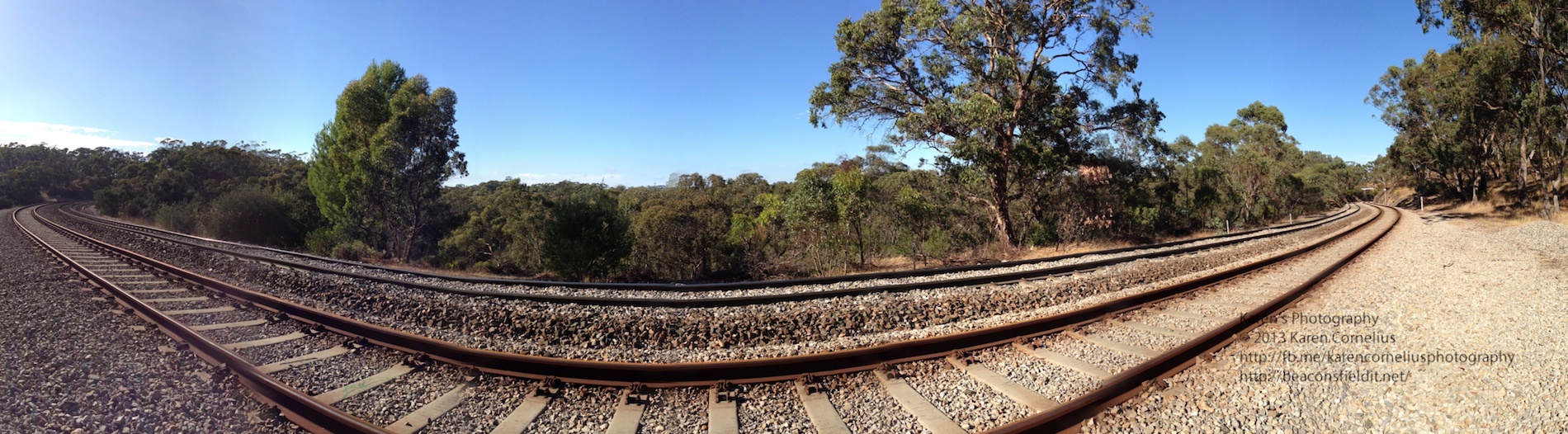
Even better, when one goes into the photos to view them on one’s phone, the view pans across the image and back again! Love this!!!
Just tried popping these 3 examples in as a slide show – wonder how that will work!
Summary – pretty usual in most ways other than the Ken Burns/panning display effect on one’s phone. If you don’t have an iPhone 5 with the nice panorama option built in, this may be worth considering.
That’s it for this post, trust you’ll enjoy DMD and hopefully I’ll catch you next time!
Thanks for coming over!
Today I had a look at the BlackLight app. If you like neon effects, like to remember the disco lights in our younger days, this app may appeal to you!!
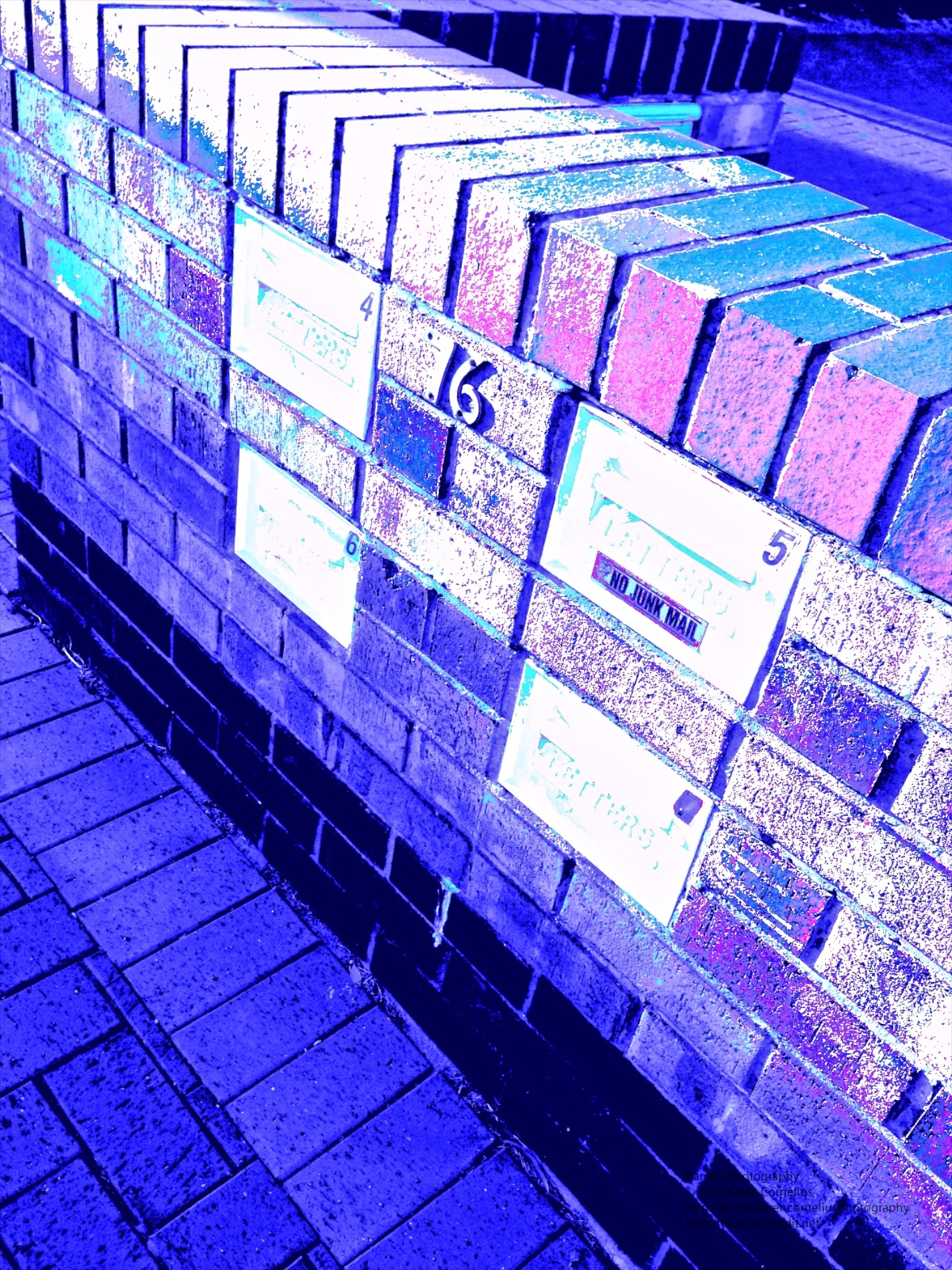
Relatively straight forward, one clicks an image and then uses a slider to decide on the intensity of the blacklight overall, as well as in the red, blue and green channels. Playing with the channels definitely creates some extreme colour shifts.
Access to your Camera Roll is seamless. There are no options for sharing or linking to other apps. Simple and straight forward. If you want a fluro or neon effect – this is for you.
Here are some examples from my neighbourhood …
That’s it for today, enjoy Blacklight and hopefully I will see you tomorrow!
Thanks for coming over!!


 The ‘Create’ button opens with a simple screen – HDR (additional $0.99) auto/off flash and a nifty yin and yang sign . Basically you hold the phone vertically and move the signs toward each other to create your panorama. Simple Start and Finish and its done! Nothing particularly novel so far …
The gallery looks nice …
The ‘Create’ button opens with a simple screen – HDR (additional $0.99) auto/off flash and a nifty yin and yang sign . Basically you hold the phone vertically and move the signs toward each other to create your panorama. Simple Start and Finish and its done! Nothing particularly novel so far …
The gallery looks nice …
 With geotagging, share button and notes option. I like this!!
Even better, when one goes into the photos to view them on one’s phone, the view pans across the image and back again! Love this!!!
With geotagging, share button and notes option. I like this!!
Even better, when one goes into the photos to view them on one’s phone, the view pans across the image and back again! Love this!!!

 Relatively straight forward, one clicks an image and then uses a slider to decide on the intensity of the blacklight overall, as well as in the red, blue and green channels. Playing with the channels definitely creates some extreme colour shifts.
Access to your Camera Roll is seamless. There are no options for sharing or linking to other apps. Simple and straight forward. If you want a fluro or neon effect – this is for you.
Here are some examples from my neighbourhood …
Relatively straight forward, one clicks an image and then uses a slider to decide on the intensity of the blacklight overall, as well as in the red, blue and green channels. Playing with the channels definitely creates some extreme colour shifts.
Access to your Camera Roll is seamless. There are no options for sharing or linking to other apps. Simple and straight forward. If you want a fluro or neon effect – this is for you.
Here are some examples from my neighbourhood …


You must be logged in to post a comment.