Yesterday, at the Crows game (which we won!!), I played with the iPhone 5 panorama function and the Panorama (TM) app.
Here’s the iPhone 5 effort – pretty extensive as you’ll see …
Here’s Panorama (TM) in action …
Unfortunately you’ll have to click on the icons to see the images – I can’t insert them in their wide glory.
My verdict? If you have an iPhone 5 – stick with it – despite it being a dismally wet day, it managed beautifully and provided a wider panorama shot. If you’re on an earlier iPhone or other smart phone without this function, this app is basic, but does the trick.
Catch you tomorrow?? Thanks for reading my review!
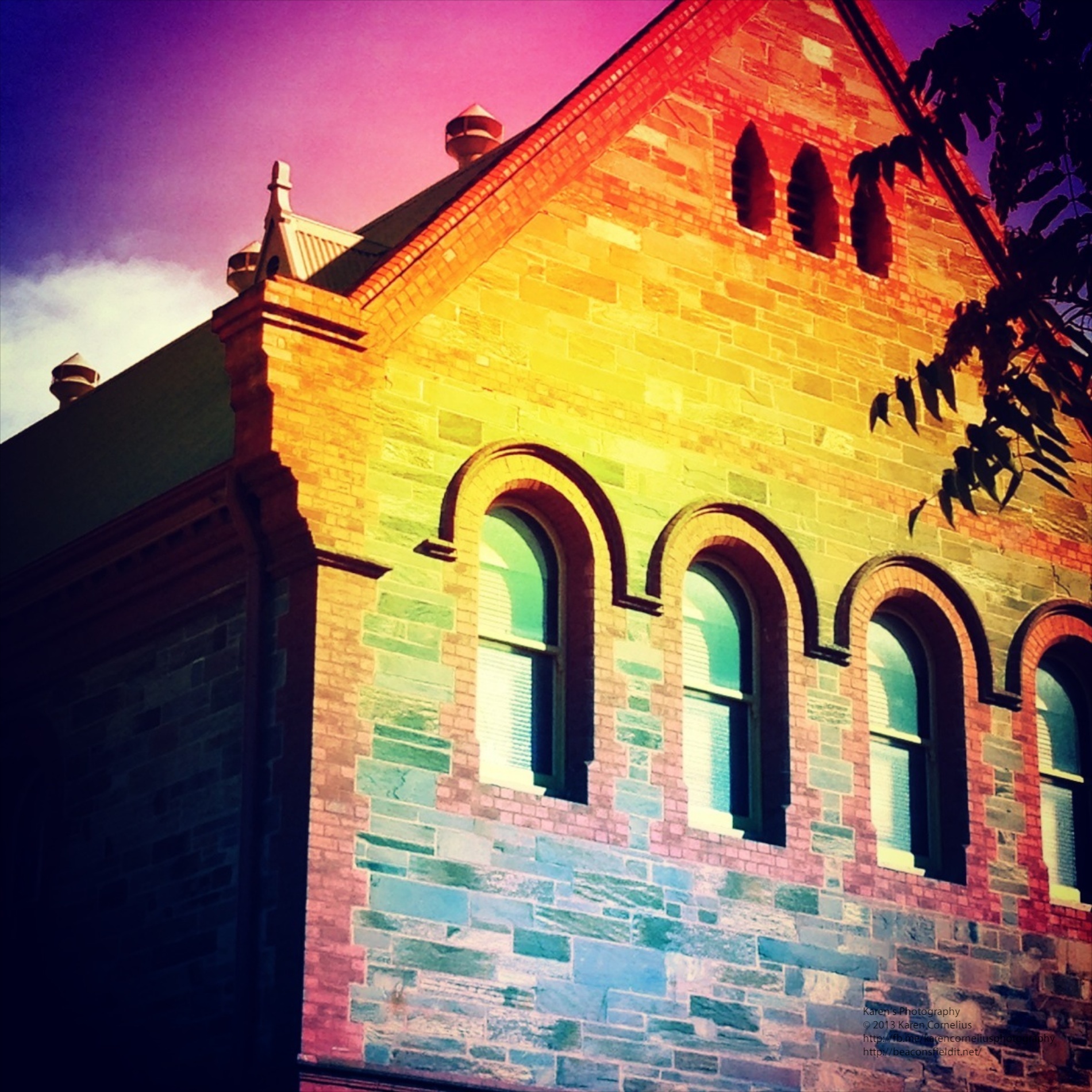
Claiming a twin lens effect, that I am not sure is so special, this is another app that I thought lacked a twist or unique selling point. The original app purchase only provides some film effect options (That are very nice ….)
All other filters are 99c a set or $5.49 the lot.
Like many other camera/editing set ups – great idea, plenty of options (at a price) and easy use.
Simple ‘sharing’ options too …
My favourite …
So again, if you’re looking for a vintage/lomo/flexible effect app – this is for you. If you already have one .. think carefully.
Thanks for coming by again! See you next time!!
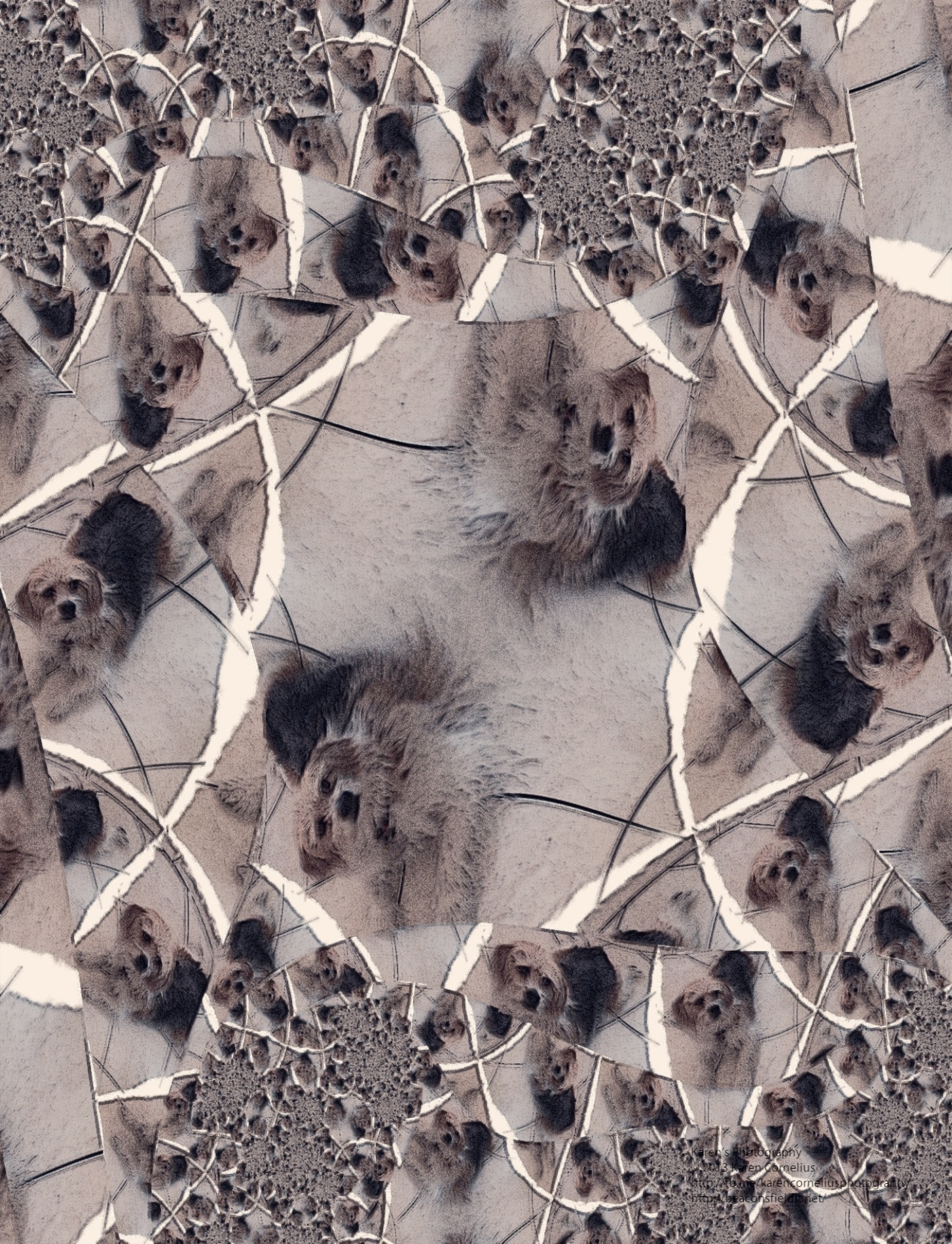
iColorama S is another app with a wonderful array of editing options. My sister’s dog and my creatures are the subject matter for today’s review. iColorama S has a simple to use interface …
Each option opens a range of choices …
I enjoyed this app, but am not convinced that it is unique enough to purchase it over some of the others reviewed so far. If it was one’s only editing app – great, but more than likely you have a collection already and this may not be a ‘must have’ addition!
Thanks for checking in again today! Hope to see you again next time!
I have had the PhotoStudio app for a while, recommended to me by a friend I think! Found out today that it was in fact a good recommendation!
I snapped a number of shots in a new dog park (Ruby enjoyed this excursion too – except that the wait for me to change the flat tyre at the end of it was a little tedious!!) and then came home to play with PhotoStudio. Basically there were SO many options that playing with it while in shoot mode was a challenge, but for post processing – WOW!!
The hints, menu options and opportunities to be creative are helpful and extensive …
Just a few screen shots of the choices – LOTS to choose from!
The option to pick up photos from Camera Roll includes access to all other apps files – so further post processing of photos is possible …
The share options include: Photo Album, Documents, Clipboard, FaceBook, Twitter, Flickr, Email, Instagram, Postcards and print.
Seems to me the options are endless!!!!! The +FX, Add Effect button is a ticket to SO, SO, SO many options!! This one will definitely stay on my screen in its own right – a gem!!
Some results of my play …
Definitely worth checking out! Hope you picked up my FaceBook posts about it being free fro a short time – even more of a bargain!!
Thanks for stopping by, hope you enjoy PhotoStudio – I will now that I have dedicated some exploration time!
Catch you tomorrow!!
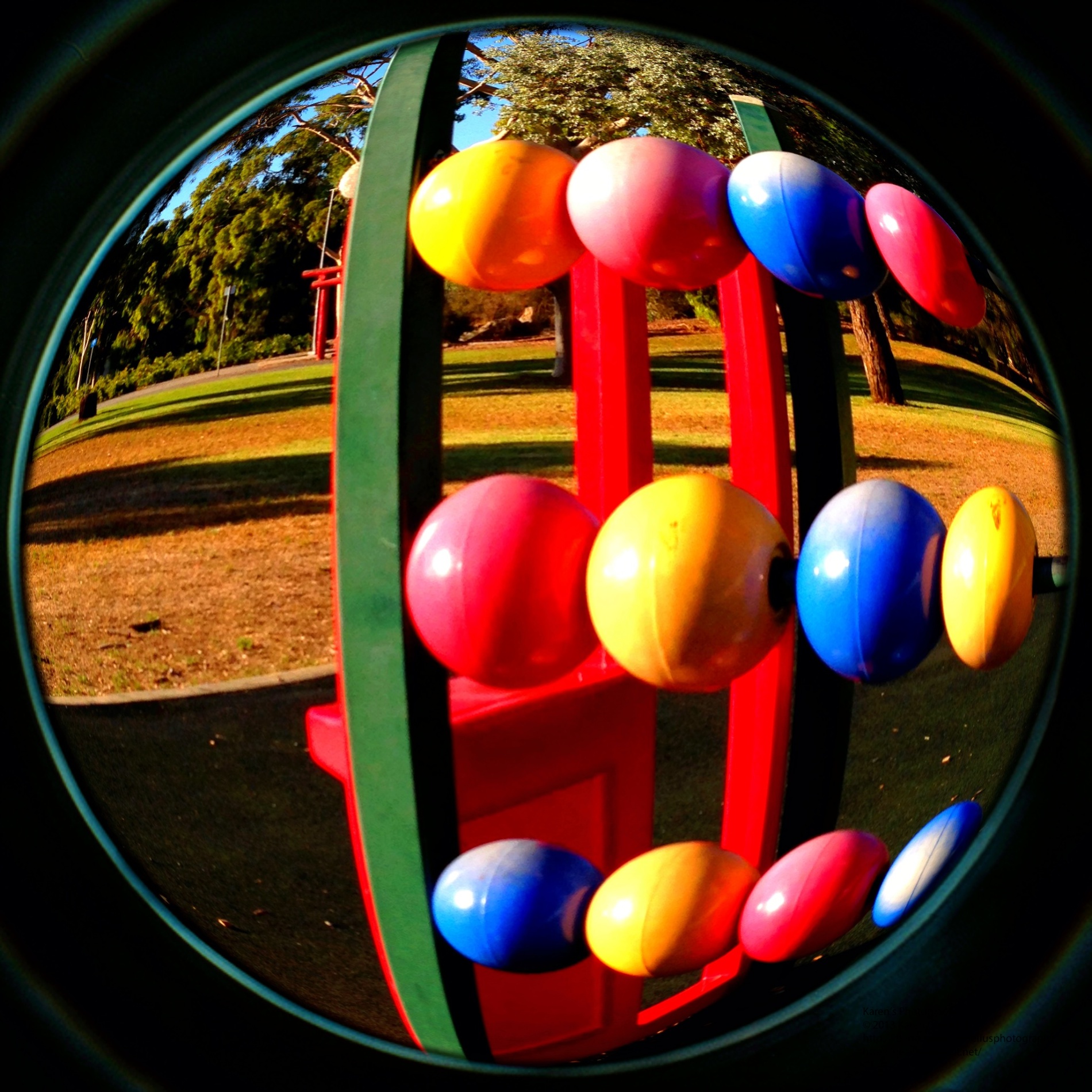
Instagram has added a new member to the family, Instagram Fisheye.
Love the effect!
Crisp, clear, fisheye effects – love it!!!
Big challenge for me about Instagram is that the different features are in different apps. Its a pest having to switch from one to another. Lots to choose from of course – especially if you purchase the additional filters and effects. I brought the LOMO set in the Fisheye App to see if it would also be available in the others – uh huh, purchases required in each app. Also turned out that for $5 all of the fisheye filters, could be turned on, including all future ones.
So, that’s it for this review. Love the app, enjoy Instagram – just those annoyances listed above.
Thanks for reading my review and visiting today.
Hope to see you again soon!












You must be logged in to post a comment.